Dental Consultation Form Template
Collect patient information before the appointment so you can focus on care during it.



There are things worth knowing before a patient sits down with you for a dental consultation — their medical history, insurance details, sensitivities or anxieties, and reason for visit. Collecting all of that in the waiting room on paper tends to mean illegible handwriting, delays, and extra data entry work for your staff. When patients are anxious or in discomfort, a long paper intake process makes the experience harder on patients and staff alike.
A Typeform dental consultation form lets patients complete their intake before they arrive. Conditional logic means someone with a history of heart disease or blood thinners gets the relevant follow-up questions, while patients without those conditions move through faster. Responses come in digital, organized, and ready to review ahead of the appointment.
You can customize the form with your practice's name and branding, adjust the clinical fields to match your intake process, and embed it on your website or send it via appointment confirmation email. Patients fill it out at their convenience, and your team walks in prepared.
A dental consultation form collects the health history, current concerns, and personal details a dental practice needs before treating a new or returning patient. It covers medical background, medications, insurance information, and the specific issue prompting the visit.
Reviewing patient information before the appointment means less time spent on intake during the visit and more time focused on diagnosis and care. A digital form also reduces transcription errors and makes it easy to store and reference patient history.
Cover the clinical and administrative basics:
- Full name, date of birth, and contact information
- Primary dental concern or reason for the visit
- Medical history including conditions, medications, and allergies
- Previous dental procedures or ongoing treatments
- Dental anxiety or sensitivities
- Insurance provider and policy details
- Preferred contact method for follow-up
Conditional logic lets you add follow-up questions that only appear when a patient selects relevant conditions. For example, if someone indicates that they take blood thinners, the form can ask for medication name and dosage and flag the response for clinical review before the appointment.
Typeform offers features including data encryption and access controls to help protect sensitive information. For healthcare contexts, you should review your local data privacy requirements and configure access permissions to ensure only authorized staff can view patient responses.
Get inspired by relevant templates and categories
3200+ Templates, 300+ Integrations
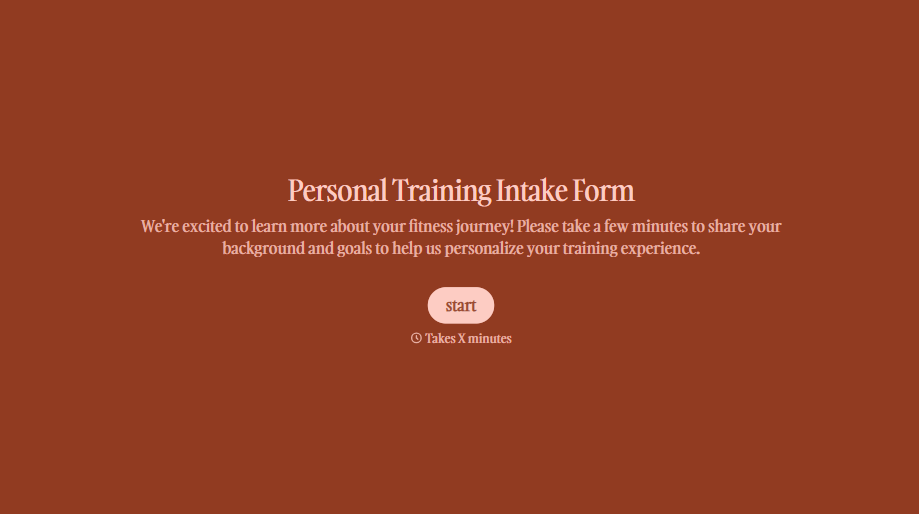
Personal Trainer Intake Form
A PAR-Q filled out in the lobby five minutes before a first session isn't intake, it's a formality nobody has time to read closely. Collect health history, injury information, and fitness goals before the first session, so your trainer isn't building a program blind.
View template
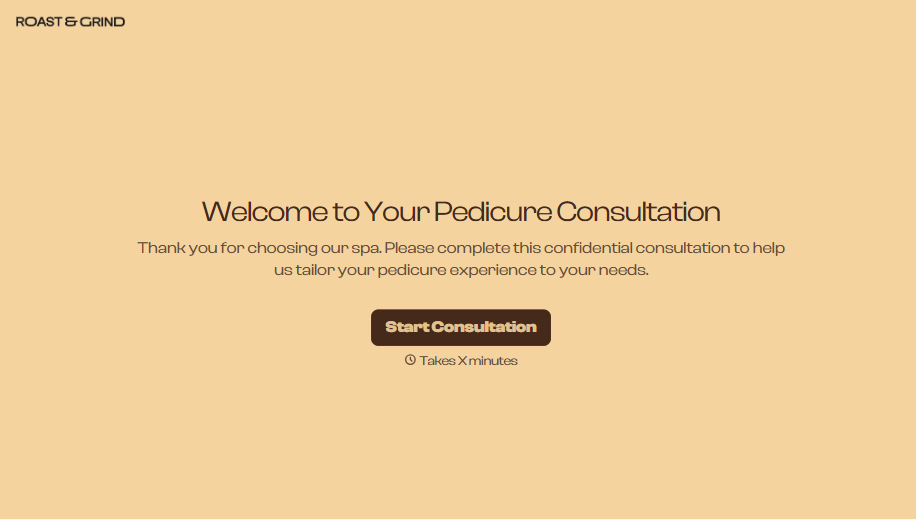
Pedicure Consultation Form
An intake card filled out on a clipboard while a client's feet are already in the soak isn't a consultation, it's a formality nobody reads closely. Collect foot health disclosures, allergy information, and service preferences before the technician picks up a tool, so nobody discovers a health condition mid-service.
View template

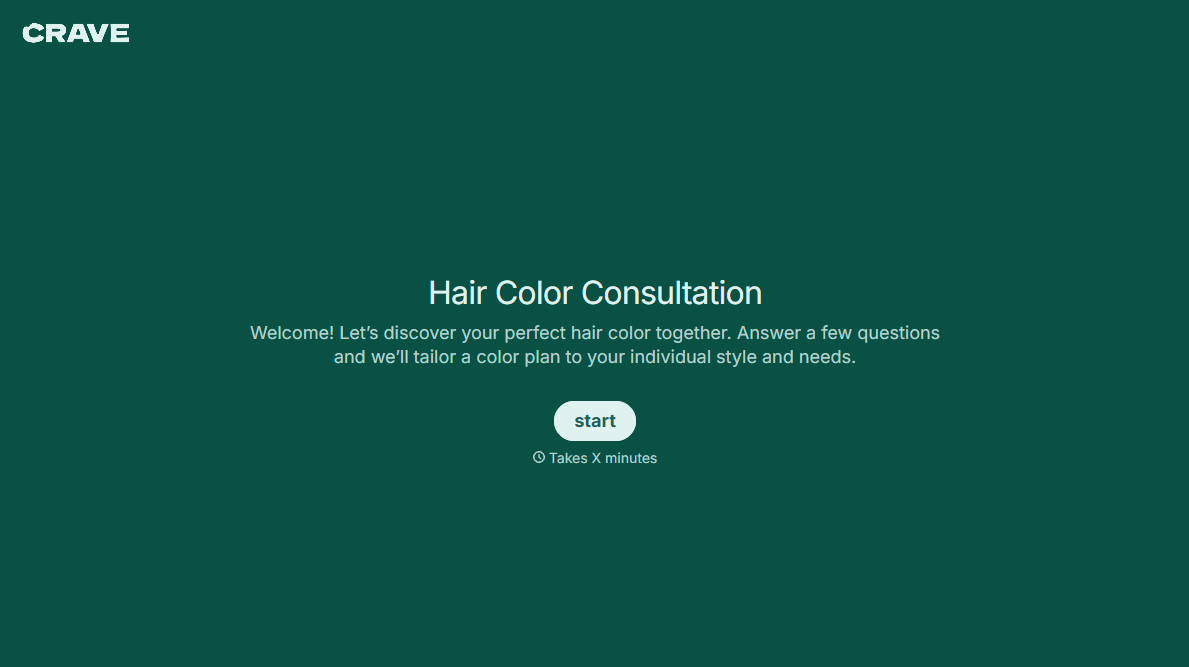


With Typeform, you can customize everything
Change text, colors, and even logos to match the look and feel of your brand. Then embed forms smoothly onto web and email.
Make forms feel effortless to fill out. Pace questions, call people by their name, and adapt the flow based on the data they share.
Stay efficient by connecting forms to your workflow. Typeform integrates with 300+ tools including Slack, Zapier, and HubSpot.


