Demographic Survey Form Template
Know the audience you're reaching—age, income range, education level, employment status—so you can make informed decisions.



Most teams collect demographic data inconsistently: different questions, different formats, and no reliable way to compare responses across projects. That inconsistency makes it hard to spot patterns or make confident decisions about who you're reaching. Typeform's demographic survey form template gives researchers and teams a repeatable process to collect the same audience information, the same way, every time.
The form captures age, gender, ethnicity, income range, education level, employment status, household size, and location. The process never feels like an interrogation—Typeform guides respondents through one question at a time. Conditional logic branches questions based on a respondent's answers, so a respondent who selects "employed full-time" sees different follow-up questions than one who selects "self-employed" or "student," keeping questions relevant without adding unnecessary length.
Customize the question set to match your research scope or the specific audience segments you need to understand. Share the form via email, embed it on your website, or distribute it via QR code at an event. Every submission feeds directly into Google Sheets, Airtable, or your analytics tools via Zapier. Build a clearer picture of who you're reaching, without compiling responses across scattered spreadsheets and inboxes.
A demographic survey form collects structured information about a group of people to help teams understand who they're working with, serving, or reaching. It captures characteristics like age, gender, ethnicity, income range, education level, employment status, and household size. Used consistently, it gives you a reliable baseline for decisions that depend on knowing your audience.
A demographic survey typically covers:
- Age or age range
- Gender identity
- Ethnicity or racial background
- Highest education level completed
- Employment status (e.g., full-time, part-time, self-employed, student)
- Household income range
- Household size
- Location (city, region, or country)
- Language spoken at home (where relevant)
Keep the form short and explain upfront why you're collecting the information. Respondents complete surveys at higher rates when they understand the purpose. Make sensitive questions (income range, ethnicity, etc.) optional, and only ask the questions you actually need. The fewer questions you ask, the more likely people are to answer all of them.
Yes. To collect anonymous responses, don't include an email field—submitted responses will contain no identifying information. For a demographic survey, anonymity matters. Questions about income, ethnicity, and household size get more honest answers when respondents know their identity isn't attached to their response.
Typeform displays results in a summary view, showing response counts and distributions for each question, and lets you browse individual submissions. For deeper analysis (cross-tabulating employment status against income range, etc.), connect your form to Google Sheets or Airtable via Zapier so responses populate automatically in a format you can filter, sort, and chart. That gives you a live dataset you can work with directly—no manual export needed.
Get inspired by relevant templates and categories
3200+ Templates, 300+ Integrations
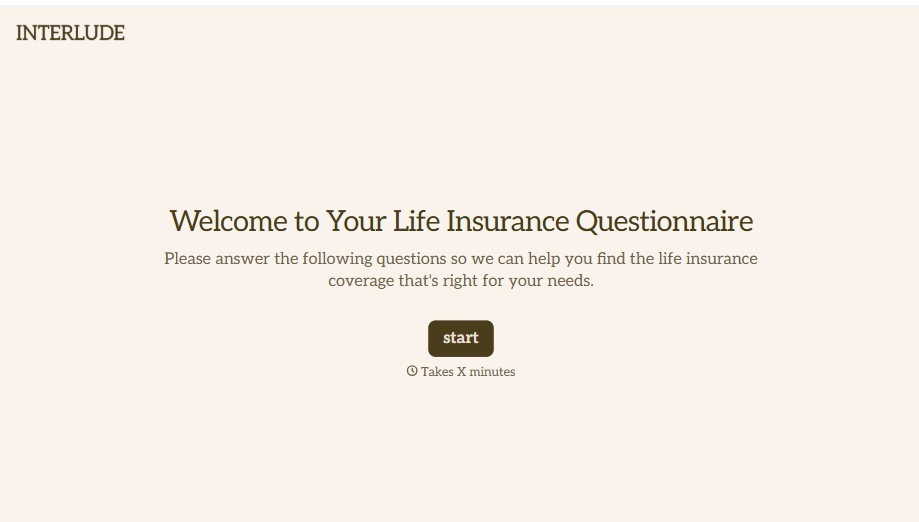
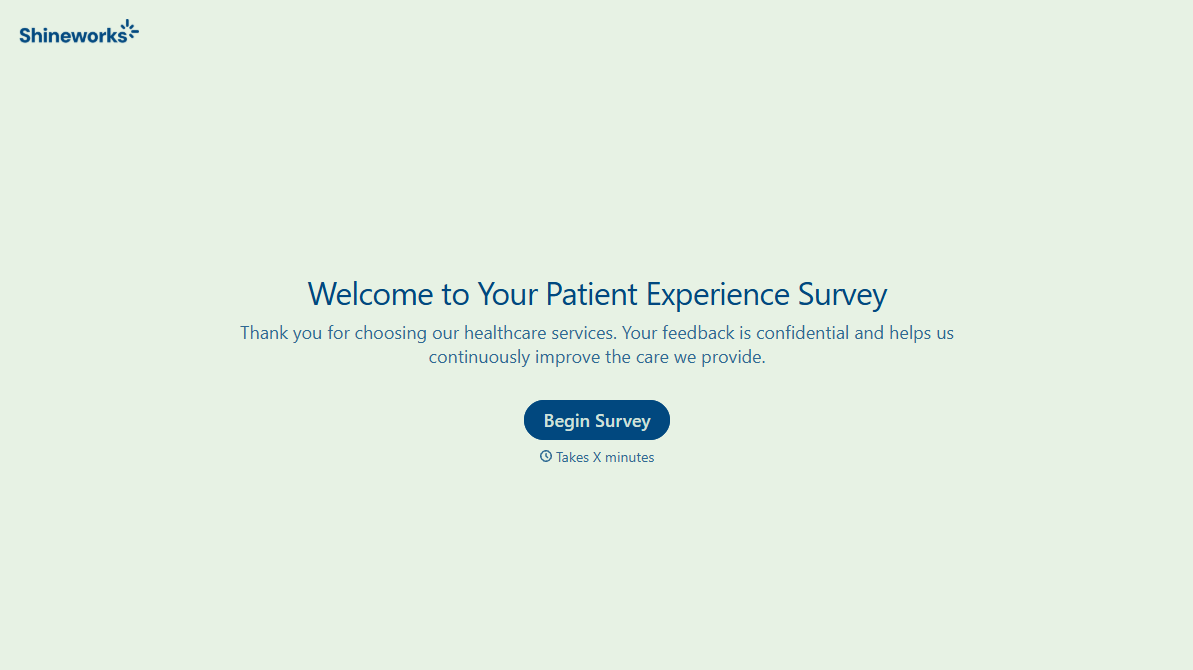
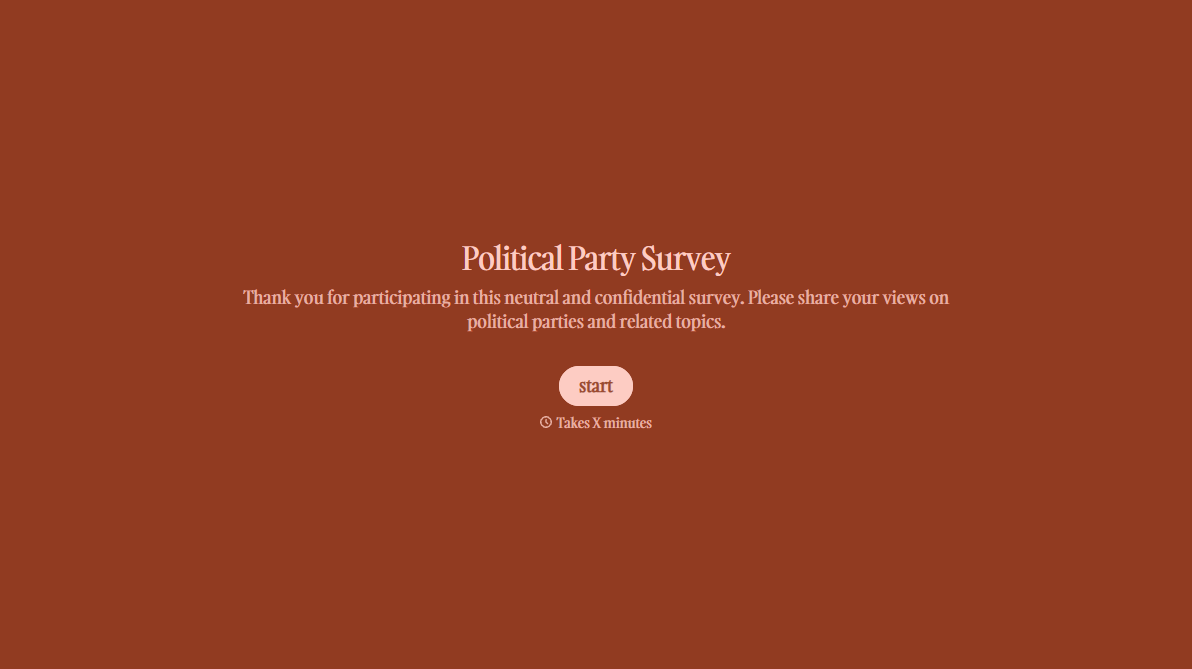
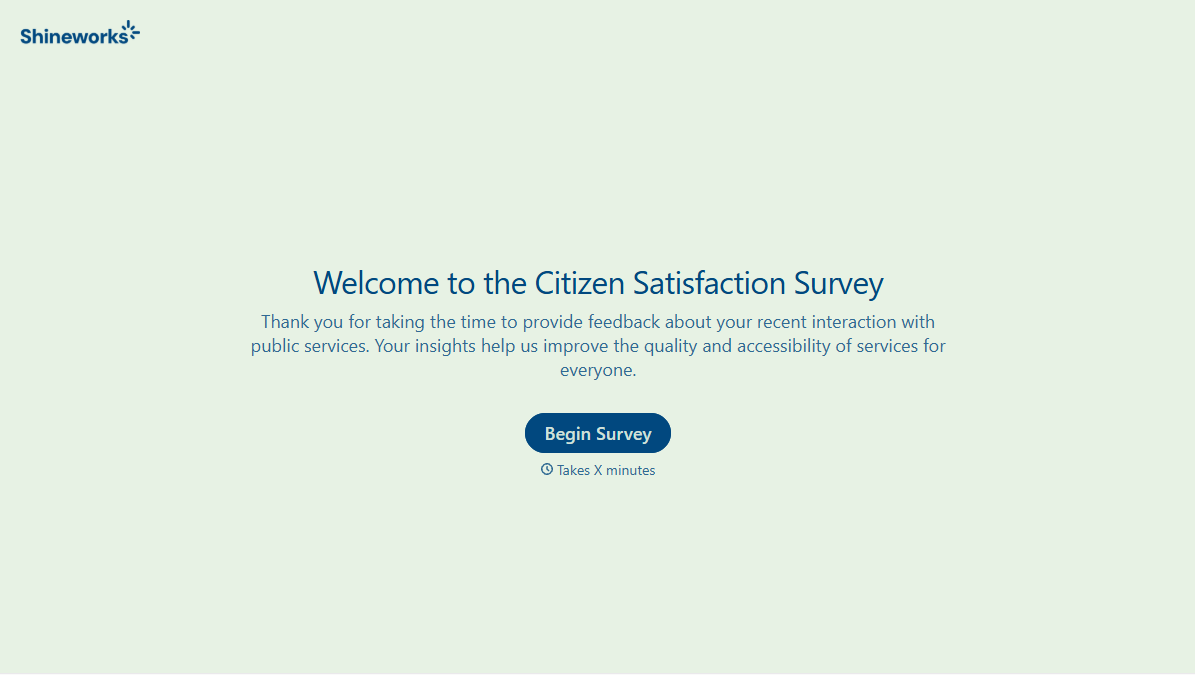
With Typeform, you can customize everything
Change text, colors, and even logos to match the look and feel of your brand. Then embed forms smoothly onto web and email.
Make forms feel effortless to fill out. Pace questions, call people by their name, and adapt the flow based on the data they share.
Stay efficient by connecting forms to your workflow. Typeform integrates with 300+ tools including Slack, Zapier, and HubSpot.


