Day off request form template
Give employees one straightforward place to submit time-off requests — and give managers what they need to respond quickly.



When time-off requests come in through text messages — Slack DMs, or verbal conversations — managers are left manually tracking who’s out and when with no central record to rely on. Approvals get lost, conflicts go unnoticed until it's too late, and employees are left waiting for confirmation without knowing where things stand.
A Typeform day off request form standardizes the process. Employees fill in the dates, reason, and any coverage details in one place. You can route responses automatically to the right manager, and integrations with tools like Google Sheets or Slack mean the team is notified as soon as a request comes in.
The template is free to use and easy to customize. Add your company's branding, adjust the fields to match your leave policy, and share the link with your team in minutes.
A day off request form is a structured tool employees use to formally submit requests for time off — whether for vacation, personal days, or other leave. It captures the dates, reason, and any other details a manager needs to review and approve the request.
A consistent process means every request gets logged the same way, which makes it easier to track approvals, identify scheduling conflicts, and maintain records for payroll or compliance. It also gives employees a clear channel so nothing falls through the cracks.
Keep it simple, but include:
- Employee name, department, and manager
- Requested start and end dates
- Type of leave (vacation, personal, sick day, other)
- Reason for the request (optional depending on policy)
- Who will cover their responsibilities while they're out
- Date the request was submitted
Typeform integrates with email and tools like Slack so you can automatically notify the relevant manager when a submission is received. You can also route responses to a shared inbox or HR platform depending on your workflow.
Yes. You can use conditional logic to show different follow-up questions based on the leave type selected. For example, a medical leave request could prompt additional fields for expected duration, while a vacation request might ask about coverage arrangements.
Get inspired by relevant templates and categories
3200+ Templates, 300+ Integrations
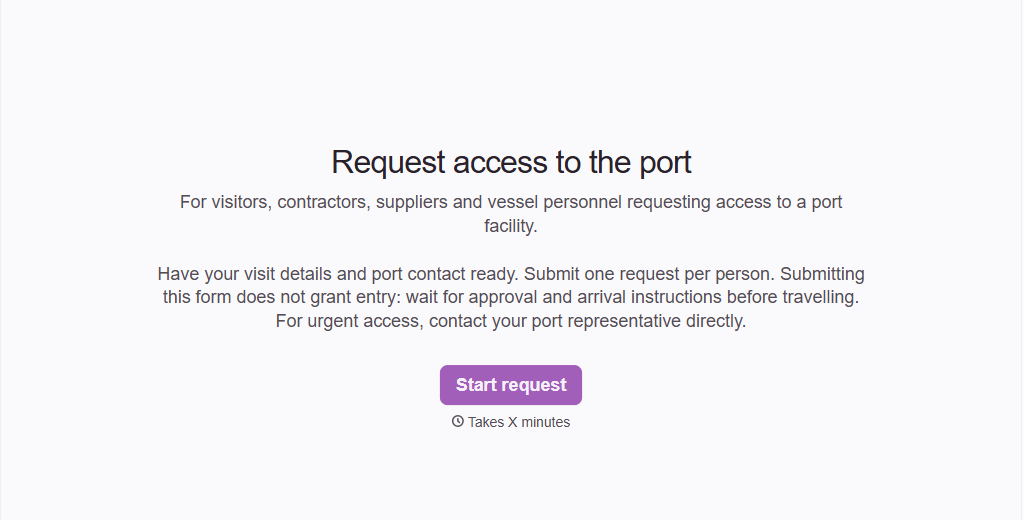
Port Access Authorization Form
Provide employees, contractors, and visitors with a straightforward way to request access to port facilities with a form that collects identification details, visit purposes, and authorization requirements. Keep access requests organized so port administrators can verify credentials, coordinate approvals, and maintain secure operations across restricted areas.
View template
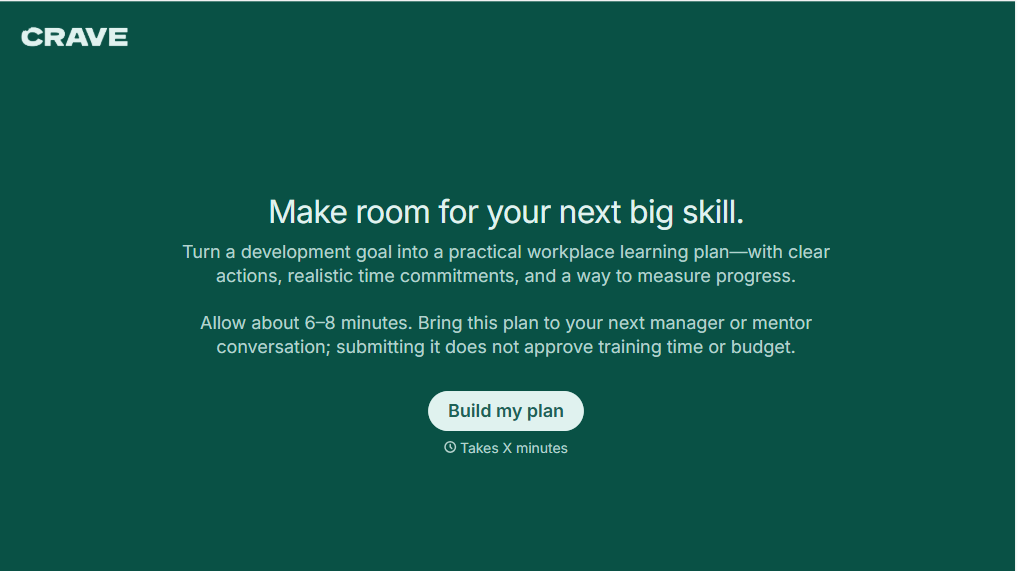
Workplace Learning Plan Form
Help employees and managers create structured professional development plans with a form that collects learning goals, skill gaps, and training preferences. Keep development priorities organized so teams can track progress, identify learning opportunities, and support employee growth in the workplace.
View template

Skills Assessment Consent Form
Give employers, training providers, and educational organizations a straightforward way to obtain consent for skills assessments with a form that collects participant information, assessment details, and authorization. Keep consent records organized so administrators can communicate evaluation procedures, explain how results will be used, and confirm participation before assessments begin.
View template

Movie Screening Rights Permission Form
Give event organizers and organizations a simple way to request permission to screen films with a form that collects movie details, event information, and licensing requirements. Keep screening requests organized so filmmakers, distributors, and rights holders can review proposed events, clarify usage terms, and manage screening permissions.
View template
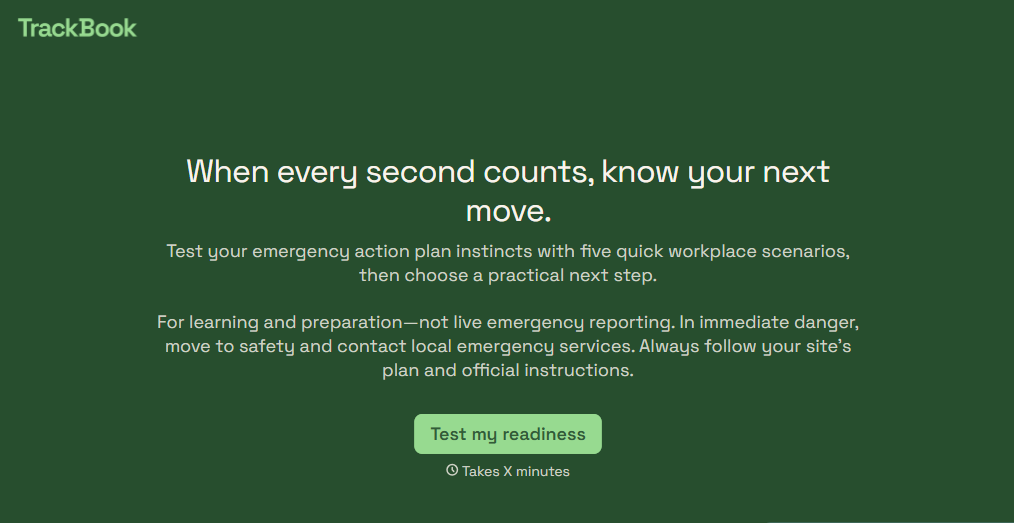
Emergency Action Plan Quiz Form
Give employees an easy way to test their emergency preparedness knowledge with a quiz that covers evacuation procedures, emergency contacts, and workplace safety protocols. Keep the results organized so your team can identify knowledge gaps, reinforce training, and improve emergency response readiness.
View template
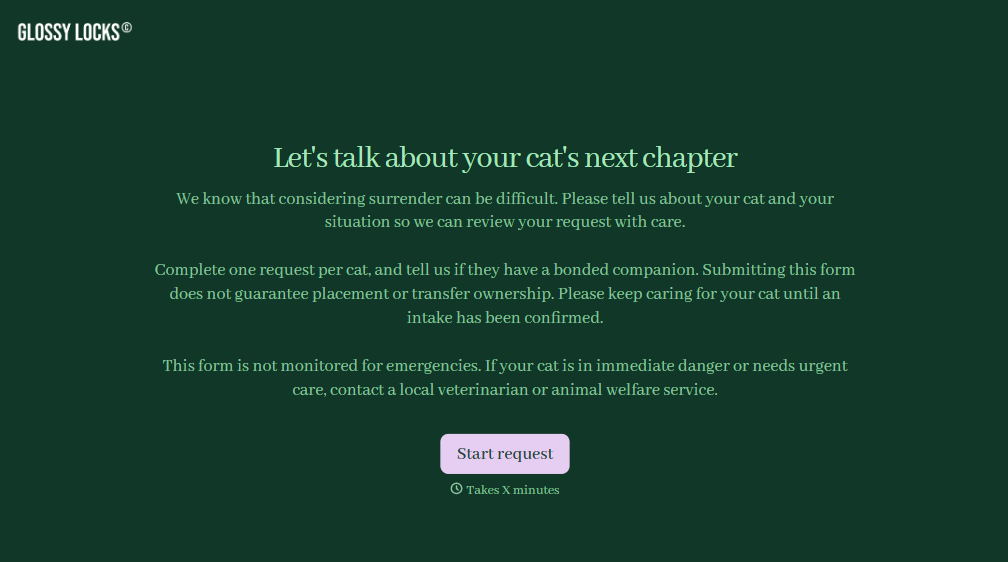
Cat Owner Surrender Form
Give cat owners a straightforward way to request surrender services with a form that collects pet information, medical history, and reasons for rehoming. Keep the surrender requests organized so animal shelters and rescue organizations can evaluate each cat's needs, coordinate intake appointments, and prepare for appropriate care.
View template
With Typeform, you can customize everything
Change text, colors, and even logos to match the look and feel of your brand. Then embed forms smoothly onto web and email.
Make forms feel effortless to fill out. Pace questions, call people by their name, and adapt the flow based on the data they share.
Stay efficient by connecting forms to your workflow. Typeform integrates with 300+ tools including Slack, Zapier, and HubSpot.