Daily Report Form Template
Keep daily updates consistent, complete, and easy to review across your whole team.



Daily reports submitted through email or chat are hard to track and even harder to compare. One person sends bullet points, another writes paragraphs, a third sends a voice note. By the time you're trying to get a read on progress across the team, you're translating between different formats rather than reviewing actual work.
A daily report form brings everyone onto the same structure. Typeform's template guides team members through the same set of questions each day — tasks completed, blockers, progress toward goals, what's on deck for tomorrow — so you get consistent, comparable updates from everyone. Conditional logic can surface additional fields based on what someone reports: if they flag a blocker, the form prompts them to describe it and rate its urgency. Responses aggregate automatically into a team dashboard or spreadsheet so managers have a live view of progress without reading through long threads.
Customize the questions for your team's workflow, set a daily submission reminder, and connect to your project management tool.
A daily report form is a structured questionnaire that team members complete at the end of each workday to document what they accomplished, what they're working on, and any issues affecting their progress. It creates a consistent record of work activity that managers can review across the whole team.
Consistency is the main benefit. When everyone fills out the same form, you can actually compare progress across team members and spot patterns — recurring blockers, tasks that are taking longer than expected, people who need support. Ad-hoc updates through email or chat don't give you that comparative view.
A daily report form typically covers:
- Tasks completed today
- Percentage of daily or weekly goal achieved
- Current blockers or challenges
- Tasks planned for tomorrow
- Any urgent items that need manager attention
- Overall productivity rating for the day
Automate the reminder rather than relying on people to remember. Set up a daily notification through Slack, email, or your team communication tool at a consistent time — usually 30 to 60 minutes before the end of the workday. Making the form accessible from mobile also increases completion rates for field teams or remote workers.
Both serve the same core purpose — visibility into what the team is working on — but a form works asynchronously and creates a written record. For distributed teams across time zones, a daily report form is often more practical than a synchronous standup. Many teams use both: a quick standup for real-time conversation and a form for the documented record.
Get inspired by relevant templates and categories
3200+ Templates, 300+ Integrations
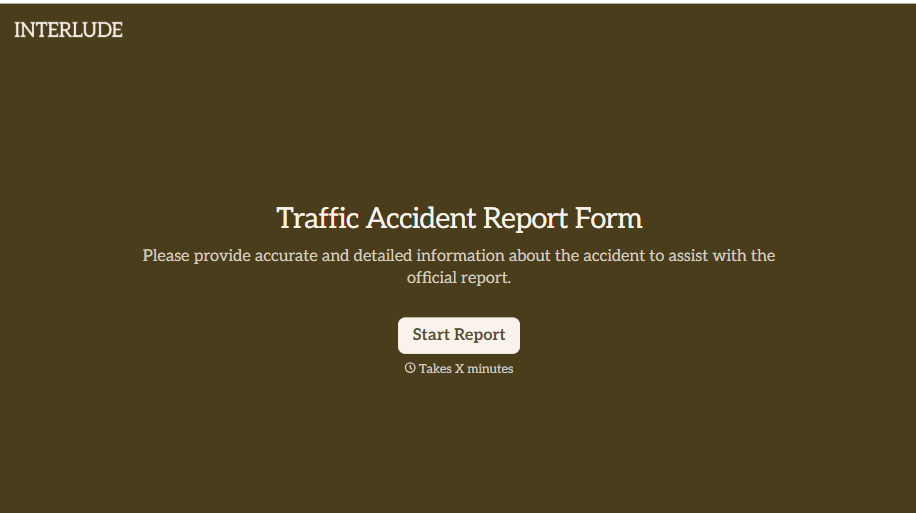
Traffic Accident Report Form
A phone call to a supervisor from the side of the road isn't the kind of record an insurance claim can be built on. Collect the accident details, the other party's information, and photos of the scene before memory starts to fade, so a claim doesn't sit unfiled for days waiting on someone to write it up.
View template



With Typeform, you can customize everything
Change text, colors, and even logos to match the look and feel of your brand. Then embed forms smoothly onto web and email.
Make forms feel effortless to fill out. Pace questions, call people by their name, and adapt the flow based on the data they share.
Stay efficient by connecting forms to your workflow. Typeform integrates with 300+ tools including Slack, Zapier, and HubSpot.


