Customer Visit Report Form Template
Capture field sales visit details the moment you leave the client site. Log meeting outcomes, next steps, and follow-up actions from your phone before you've reached the car.



Field sales and account management teams lose valuable information when visit notes get written up hours later. A mobile-first visit report form captures what happened while it's fresh — who you met, what was discussed, any objections raised, and the agreed next steps — so CRM records stay accurate and nothing falls through the cracks.
This template includes fields for client name, contact details, visit date and duration, discussion topics, outcome rating, and action items with due dates. Drop-down fields standardize common outcomes like 'demo scheduled' or 'proposal requested,' while open text fields capture the nuance that drop-downs miss.
Sales teams, account managers, and territory reps use this form after every client visit. Connect it to your CRM via Zapier or a native integration so each report automatically updates the relevant contact record. Managers get a real-time feed of field activity without chasing status updates.
Yes — the form is fully mobile-optimized. Reps can complete it in under two minutes on any smartphone.
Typeform integrates with Salesforce, HubSpot, and other CRMs directly, or via Zapier. Each submitted report updates the corresponding client record automatically.
Add a 'Sales rep name' field or a hidden field that auto-populates with login data when reps access the form through a shared link.
Add a priority field — if a rep marks a follow-up as urgent, set up a notification to alert the sales manager immediately.
Responses feed into the Typeform Results panel and can be exported to a spreadsheet or dashboard tool like Google Sheets or Airtable.
Get inspired by relevant templates and categories
3200+ Templates, 300+ Integrations

Bank Reference Form
A reference request faxed to a bank branch and left sitting in a queue for weeks isn't the kind of turnaround a landlord or business can wait on. Collect the applicant's signed authorization and the specific details you need confirmed before the request even reaches the bank, so a decision isn't stuck behind a letter that hasn't come back yet.
View template

Bar Inventory Form
A bottle count eyeballed at the end of a shift and scrawled on a paper sheet doesn't hold up against a pour cost report that says something doesn't add up. Collect what your bar actually needs, item, count, and variance, on a schedule you can actually compare week to week.
View template

Equipment Inventory Form
Equipment that leaves a storage room in someone's arms, with no note about where it went, doesn't show up again until someone needs it and can't find it. Collect what your team actually needs, item details, condition, and who's got it, every time something moves.
View template

Maintenance Agreement Form
A maintenance plan agreed to over the phone isn't a contract your service team can actually work from, especially when nobody's sure whether the twice-a-year tune-up was part of the deal. Collect the equipment covered, service frequency, and a signed agreement before the first visit, so your team isn't guessing at scope once they're on-site.
View template

Incentive Claim Form
A rebate claim mailed in with a stapled stack of receipts isn't the kind of paperwork that gets processed quickly, especially when a required serial number turns out to be missing from page three. Collect proof of purchase, product details, and participant information upfront, so a claim doesn't bounce back for a missing document weeks later.
View template
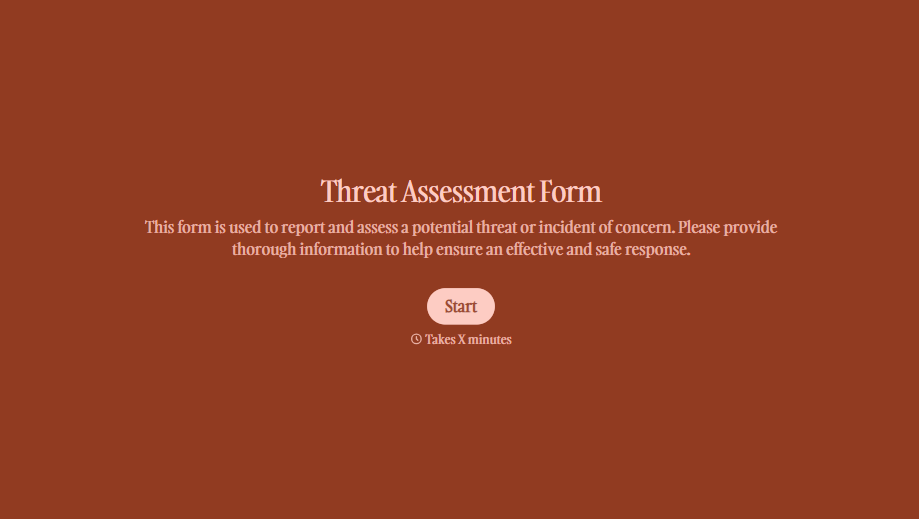
Threat Assessment Form
A concerning comment that gets passed from a teacher to a counselor to whoever's free that period loses detail with every retelling. Collect what your team actually needs, what was observed or reported, who was involved, and when, before an important detail gets dropped along the way.
View template
With Typeform, you can customize everything
Change text, colors, and even logos to match the look and feel of your brand. Then embed forms smoothly onto web and email.
Make forms feel effortless to fill out. Pace questions, call people by their name, and adapt the flow based on the data they share.
Stay efficient by connecting forms to your workflow. Typeform integrates with 300+ tools including Slack, Zapier, and HubSpot.


