Customer Feedback Form Template
Ask better questions and get answers worth acting on.



Most customer feedback forms collect data confirming what you already suspect and leave the real questions unanswered. Customers rush through rating scales, skip the open-ended boxes, and abandon forms before the last page. The result is a response rate that flatters nobody and insights that move nothing.
Typeform's customer feedback form template changes the dynamic by asking one question at a time, in a format that feels like a conversation, rather than a survey. Cover product satisfaction, service quality, ease of use, and likelihood to recommend, with conditional logic following up on low scores and letting happy customers move through quickly. Completion rates go up and feedback gets more specific and usable for your product, support, and marketing teams alike.
Built for e-commerce brands, SaaS products, service businesses, and anyone needing to understand what customers think at scale, the template is fully customizable to your use case. Send it post-purchase, after a support interaction, or as a periodic check-in. Connect responses to Slack for real-time visibility, log them to your CRM, or push to Google Sheets for trend analysis. Set up alerts for low satisfaction scores so your team follows up before a frustrated customer becomes a former one.
Right after a meaningful interaction: post-purchase, post-support, or after a delivery or service completion. The closer to the experience, the more accurate and detailed the feedback. Customers are also more likely to respond when the interaction is still fresh in their minds.
Keep the form under 10 questions and use the one-at-a-time format so it never feels overwhelming. Personalize the experience by pulling in the customer's name through hidden fields. Timing matters too. Forms sent within 24 hours of an interaction consistently outperform those sent days later.
Responses appear in your Typeform dashboard and sync to connected tools through integrations. Most teams log results to Google Sheets for trend analysis, HubSpot or Salesforce for CRM records, and Slack for real-time team notifications on new submissions.
Yes. Add opinion scales, star ratings, or a Net Promoter Score question using Typeform's built-in question types. Results appear in your analytics dashboard alongside open-ended responses, so you're seeing the full picture in one place.
Use conditional logic to trigger a Slack alert or email notification when a customer gives a low rating. The flag lands in front of your team fast enough to follow up while the experience is still fresh. That's usually the difference between saving the relationship and losing it.
Get inspired by relevant templates and categories
3200+ Templates, 300+ Integrations





With Typeform, you can customize everything
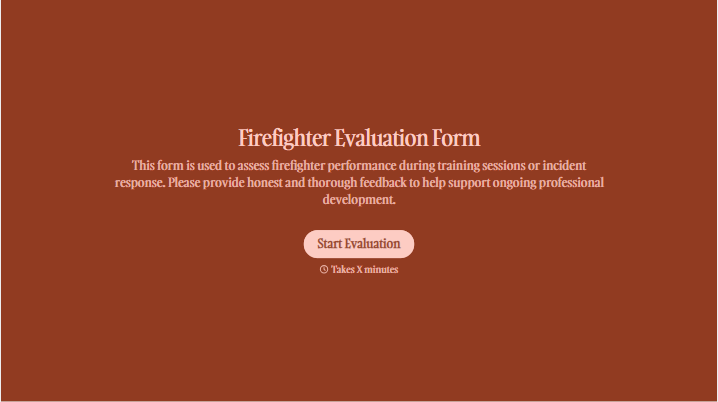
Change text, colors, and even logos to match the look and feel of your brand. Then embed forms smoothly onto web and email.
Make forms feel effortless to fill out. Pace questions, call people by their name, and adapt the flow based on the data they share.
Stay efficient by connecting forms to your workflow. Typeform integrates with 300+ tools including Slack, Zapier, and HubSpot.


