Cub Scout Registration Form Template
One form — every scout registered, every parent informed, every permission signed.



Cub Scout registration involves a unique combination of child information, parent details, medical disclosures, activity preferences, and organizational commitments. Managing all of that through paper forms distributed at pack meetings means chasing down missing signatures, deciphering handwriting, and manually entering data into your council's system.
This Cub Scout registration form template consolidates the entire enrollment process into a single, guided digital experience. Parents complete scout details, guardian information, medical and allergy disclosures, rank/den selection, and acknowledgments — all in a conversational, one-question-at-a-time format. Conditional logic adjusts medical follow-ups and activity permissions based on the scout's age and rank.
Share the form link at recruitment events, on your pack's website, or in school flyers. Integrations with your tracking spreadsheet or email tool keep your roster updated and your communication organized throughout the scouting year.
A Cub Scout registration form collects the information needed to enroll a youth in a Cub Scout pack. It captures the scout's personal details, parent/guardian contact information, medical and allergy information, rank or den assignment, and required acknowledgments (code of conduct, photo permissions, activity waivers). It serves as both an enrollment document and a safety reference for pack leaders.
Paper registration creates a data entry burden for volunteer leaders who are already stretched thin. Online registration captures legible, organized data that can be referenced instantly during events and outings. Parents can complete it on their own time. Not while wrangling their kid at a pack meeting. Automatic confirmations reduce the "Are we registered?" follow-up emails that pack leaders dread.
- Scout's full name, date of birth, gender, and school/grade
- Parent/guardian names, email addresses, phone numbers, and address
- Emergency contact (different from parent)
- Medical conditions, allergies, medications, and dietary restrictions
- Rank or den preference (Lion, Tiger, Wolf, Bear, Webelos, Arrow of Light)
- Photo/video release permission and code of conduct acknowledgment
Collect only the health information that's directly relevant to scout activities and safety. Store it securely, not in an open shared drive. Share allergy and medical details with den leaders and activity volunteers on a need-to-know basis, and include emergency action plans for scouts with severe conditions. Destroy health records when a scout leaves the pack. Transparency with parents about how their child's information is used and protected builds the trust that makes them comfortable sharing it.
Yes. Include pack dues and BSA registration fees as a payment step at the end of the form, with a clear breakdown of what the fees cover. Integrations with payment processors like Stripe allow you to collect payments securely. If your pack offers financial assistance or sibling discounts, conditional logic can adjust the displayed amount or provide instructions for requesting a fee reduction, handling it discreetly within the form flow.
Get inspired by relevant templates and categories
3200+ Templates, 300+ Integrations

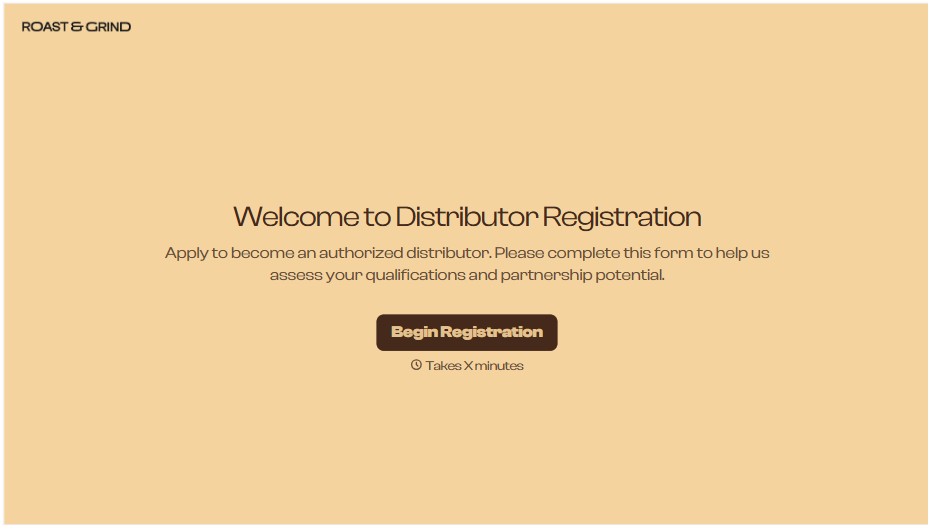
Distributor Registration Form
A distributor application that arrives as a scanned resale certificate attached to an email doesn't tell your sales team what territory they're actually asking for. Collect what your company actually needs, business information, tax documentation, and territory, before you set up an account.
View template
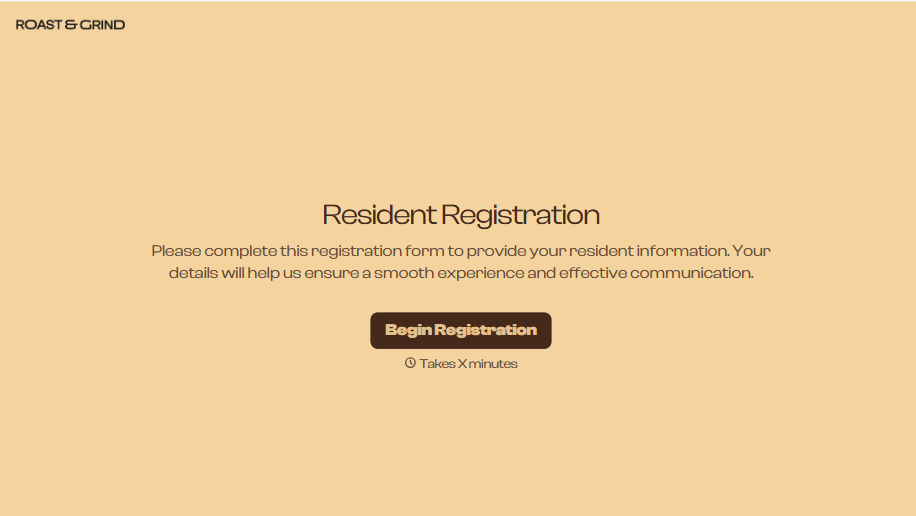
Resident Registration Form
A move-in packet signed at the leasing office and filed in a drawer isn't the kind of record your front desk can pull up when a resident's guest needs access or a car needs to be identified in the lot. Collect household members, vehicles, and emergency contacts before move-in day, so your community has an accurate record from the start.
View template
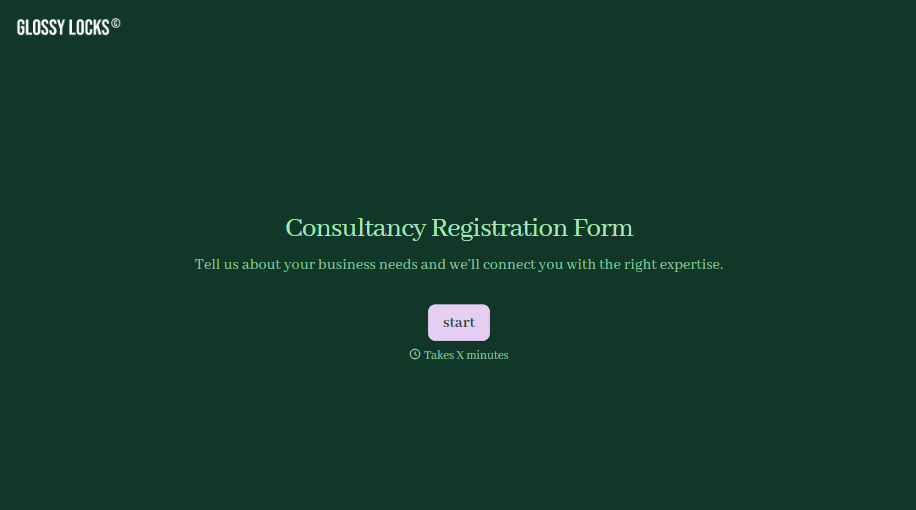
Consultancy Registration Form
Move past a registration form that only grabs a name and a phone number. Confirm the client understands who they're signing up with, screen for what a consultancy is legally allowed to charge and promise, and keep a record of exactly what was disclosed and agreed to.
View template
With Typeform, you can customize everything
Change text, colors, and even logos to match the look and feel of your brand. Then embed forms smoothly onto web and email.
Make forms feel effortless to fill out. Pace questions, call people by their name, and adapt the flow based on the data they share.
Stay efficient by connecting forms to your workflow. Typeform integrates with 300+ tools including Slack, Zapier, and HubSpot.


