Cricket Tournament Registration Form Template
Register teams and players for your cricket tournament without the administrative pile-up.



Running a cricket tournament means juggling team registrations, player rosters, age and eligibility verification, format preferences, payment collection, and scheduling inputs. When that information comes in through WhatsApp messages and emails, organizing it all takes as long as the tournament itself.
A dedicated registration form keeps all of it in one place. Typeform's cricket tournament template uses conditional logic to capture the right details at the right level — team captains see questions about squad composition and availability, while individual player registrations focus on personal details and eligibility. All responses feed into one organized database that makes scheduling, bracket seeding, and communication straightforward. Connect the form to your payment processor to collect registration fees automatically.
Customize the form for your format — T20, one-day, or multi-day — add your tournament rules and age divisions, and share the link with participating clubs.
A cricket tournament registration form is an online form that collects the details needed to register a team or individual player for a cricket competition. It covers team names, player rosters, eligibility criteria, format preferences, and payment, giving tournament organizers the information needed to plan fixtures and communicate with participants.
It replaces the back-and-forth that comes with informal registration processes. Instead of chasing teams for incomplete rosters or missing payment details, you get a complete, organized record from every registrant that you can use immediately for scheduling, communication, and bracketing.
A cricket tournament registration form typically covers:
- Team name and home club affiliation
- Captain name and contact details
- Player names and dates of birth (for age-group verification)
- Playing format preference (if multiple formats are offered)
- Preferred match days or scheduling restrictions
- Registration fee payment confirmation
- Agreement to tournament rules and code of conduct
Capture date of birth for every player in the form and use that data against your eligibility cutoff dates. You can ask players to upload a supporting document, such as a passport or national ID, directly in the form. Flag registrations that need manual review rather than trying to verify every entry in real time.
Yes. Add a question at the start that distinguishes between team registrations and individual player registrations, and use conditional logic to show the relevant sections. Team submissions can collect the full squad list, while individual registrations capture personal details for a player pool or reserve list.
Get inspired by relevant templates and categories
3200+ Templates, 300+ Integrations

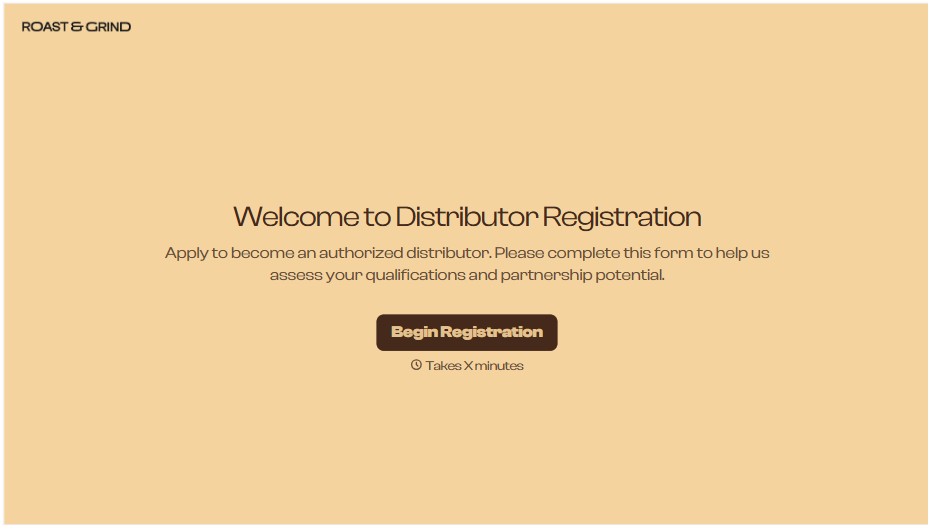
Distributor Registration Form
A distributor application that arrives as a scanned resale certificate attached to an email doesn't tell your sales team what territory they're actually asking for. Collect what your company actually needs, business information, tax documentation, and territory, before you set up an account.
View template
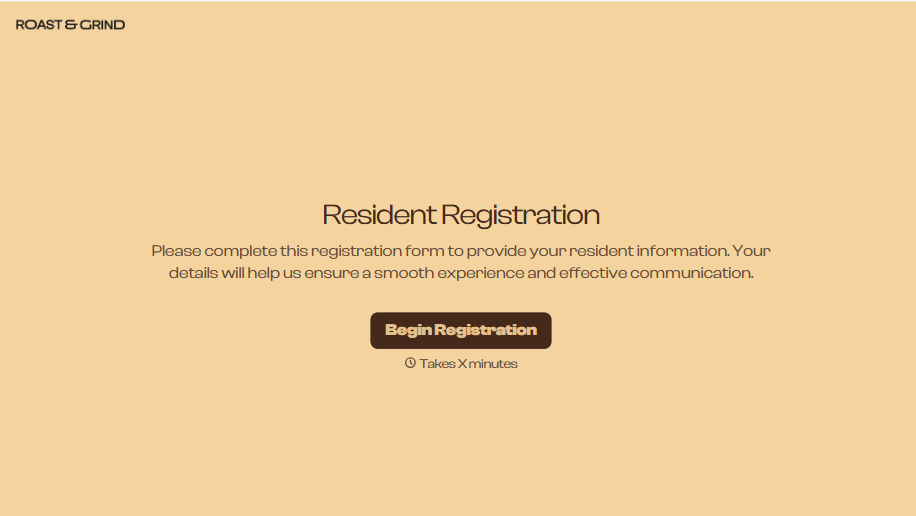
Resident Registration Form
A move-in packet signed at the leasing office and filed in a drawer isn't the kind of record your front desk can pull up when a resident's guest needs access or a car needs to be identified in the lot. Collect household members, vehicles, and emergency contacts before move-in day, so your community has an accurate record from the start.
View template
Consultancy Registration Form
Move past a registration form that only grabs a name and a phone number. Confirm the client understands who they're signing up with, screen for what a consultancy is legally allowed to charge and promise, and keep a record of exactly what was disclosed and agreed to.
View template
With Typeform, you can customize everything
Change text, colors, and even logos to match the look and feel of your brand. Then embed forms smoothly onto web and email.
Make forms feel effortless to fill out. Pace questions, call people by their name, and adapt the flow based on the data they share.
Stay efficient by connecting forms to your workflow. Typeform integrates with 300+ tools including Slack, Zapier, and HubSpot.


