Course Withdrawal Form Template
Process student course withdrawals with a documented, consistent workflow.



A course withdrawal has academic, financial, and sometimes financial aid implications. Without a formal process, students may not understand the deadlines, the consequences, or what approvals are required — and institutions end up managing the fallout after the fact. A withdrawal form brings all of that into one place.
This template captures the student's name and ID, the course or courses being withdrawn from, the semester and withdrawal date, the reason for withdrawal (with an optional open field), confirmation that the student understands the grade implications and refund policy, any advisor or instructor approval required, and a signature. The form creates a clear record that the withdrawal was properly processed on a specific date.
Students can submit the form digitally from any device, and submissions are automatically routed to the relevant advisor, registrar, or financial aid office based on your workflow. This removes the need for students to physically visit multiple offices to complete a withdrawal.
A drop typically happens early in the semester before the add/drop deadline and leaves no record on the student's transcript. A withdrawal happens after that deadline and usually results in a 'W' grade on the transcript. The financial and academic implications differ significantly — the form should clarify which process is being initiated.
Often yes. Withdrawing from courses can affect a student's enrollment status, which may trigger aid recalculation or repayment requirements for the current term. The form should include a notice that students are encouraged to speak with financial aid before submitting, and ideally a required acknowledgement field.
Requirements vary by institution. Some schools require only student initiation; others require advisor approval, instructor notification, or both. The form can route to approvers automatically based on student ID, program, or course, so the right people are notified without the student having to track down signatures.
Yes, but a full withdrawal (also called a complete or total withdrawal) typically has different implications than dropping individual courses — different deadlines, different refund calculations, and different effects on satisfactory academic progress. Consider a separate form or a conditional field that flags full withdrawals for additional review.
Withdrawal records are part of the student's academic record and should be retained per your institution's records retention policy — typically for the duration of enrollment plus a set period after graduation or departure, often 5–7 years or longer. Check your jurisdiction's requirements for educational records.
Get inspired by relevant templates and categories
3200+ Templates, 300+ Integrations


Nationality Verification Form
A self-certification buried in a stack of new account paperwork isn't the kind of record a compliance team can rely on for a regulatory filing. Collect nationality, tax residency, and a signed declaration before an account opens, so compliance isn't chasing down a customer's citizenship status after the fact.
View template

Policy Cancellation Form
A cancellation requested over the phone doesn't leave a clear record of exactly what date the policyholder actually asked for, and that date matters more than it sounds like it should. Collect what your agency actually needs, policy details, identity verification, and the requested effective date, before coverage actually ends.
View template
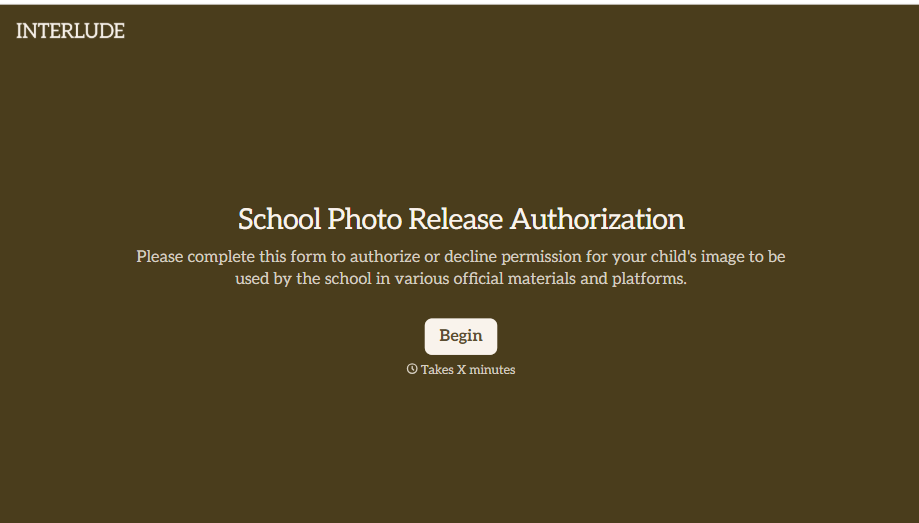
School Photo Release Form
A photo consent checkbox buried on page 12 of an enrollment packet doesn't tell a teacher who's actually opted out before they post a class photo. Collect what your school actually needs, guardian consent, and exactly where a photo can be used, before the camera comes out.
View template

Inheritance Beneficiary Form
Asking a grieving family member for the same banking details across three different phone calls doesn't make settling an estate go any faster. Collect what your firm actually needs, beneficiary information, identification, and distribution details, in one submission instead of three calls.
View template
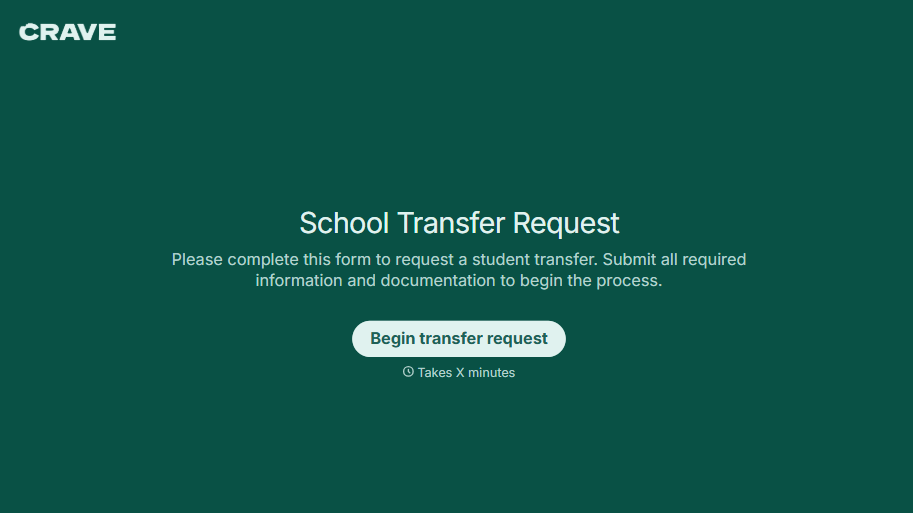
School Transfer Request Form
A transfer request dropped off at the district office isn't the kind of paperwork that gets processed before the semester it's meant for already started. Collect the student's information, reason for transfer, and supporting documentation upfront, so a request doesn't stall while the district follows up for a missing form.
View template
With Typeform, you can customize everything
Change text, colors, and even logos to match the look and feel of your brand. Then embed forms smoothly onto web and email.
Make forms feel effortless to fill out. Pace questions, call people by their name, and adapt the flow based on the data they share.
Stay efficient by connecting forms to your workflow. Typeform integrates with 300+ tools including Slack, Zapier, and HubSpot.


