Free Contest Registration Form Template
Run a clean contest registration process without sorting through messy email entries.



Contest entries that come in through social media comments, email replies, or paper forms are a logistical headache. You spend time manually collecting and deduplicating entries, chasing missing information, and trying to confirm eligibility — all before you can even begin selecting a winner.
An online registration form makes the whole process cleaner. Typeform's contest registration template captures entrant details, required eligibility confirmations, and any submission materials in one place. Conditional logic can route entries based on category — if you're running a multi-category contest, each entrant lands on the questions relevant to their track. Every entry is time-stamped and stored in a structured format that's easy to review, filter, and audit. Connect the form to a spreadsheet for instant entry tracking.
Add your contest rules, eligibility disclosures, and branding. Share the link and let entries come to you.
A contest registration form is an online form that collects entry information from participants in a contest, competition, or giveaway. It captures contact details, eligibility confirmations, submission materials, and any required acknowledgments — giving organizers a clean, complete entry record for every participant.
It keeps your entries organized and your process defensible. Every entry includes the same information in the same format, with a timestamp. That consistency matters if you ever need to verify eligibility, resolve a dispute, or demonstrate that the contest was run fairly.
A contest registration form typically includes:
- Full name and contact information
- Age or date of birth (if there's an age minimum)
- Eligibility confirmation (location, affiliation, etc.)
- Contest category (if applicable)
- Submission content or upload (if required)
- Agreement to contest rules and terms
- Permission to use submitted content (if relevant)
Contests and sweepstakes are subject to laws that vary by country and state — including rules around no-purchase-necessary disclosures, prize value reporting, and eligibility restrictions. Consult a legal professional before launching a public contest and make sure your registration form includes the required disclosures and official rules acknowledgment.
Require a valid email address on the form. You can also set Typeform to limit one response per person using unique link settings. For high-stakes giveaways, cross-referencing the email list for duplicates before the draw adds another layer of verification.
Get inspired by relevant templates and categories
3200+ Templates, 300+ Integrations

Distributor Registration Form
A distributor application that arrives as a scanned resale certificate attached to an email doesn't tell your sales team what territory they're actually asking for. Collect what your company actually needs, business information, tax documentation, and territory, before you set up an account.
View template
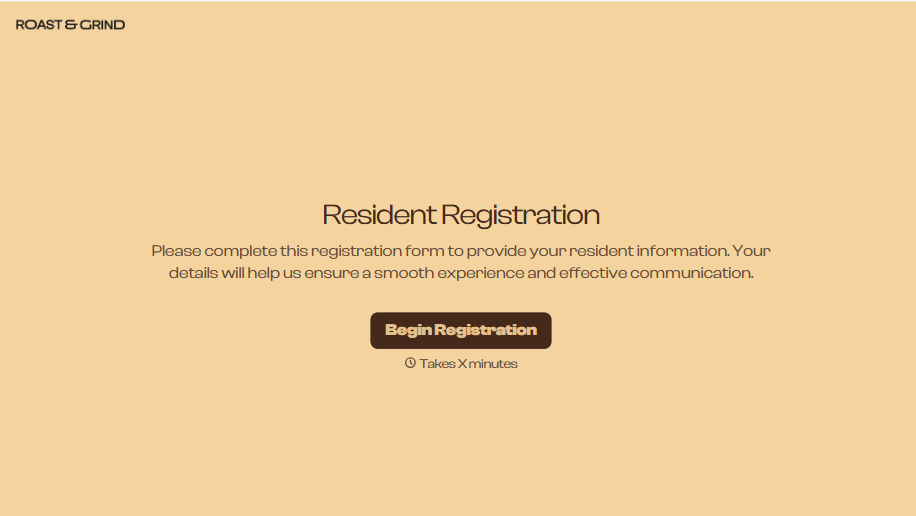
Resident Registration Form
A move-in packet signed at the leasing office and filed in a drawer isn't the kind of record your front desk can pull up when a resident's guest needs access or a car needs to be identified in the lot. Collect household members, vehicles, and emergency contacts before move-in day, so your community has an accurate record from the start.
View template
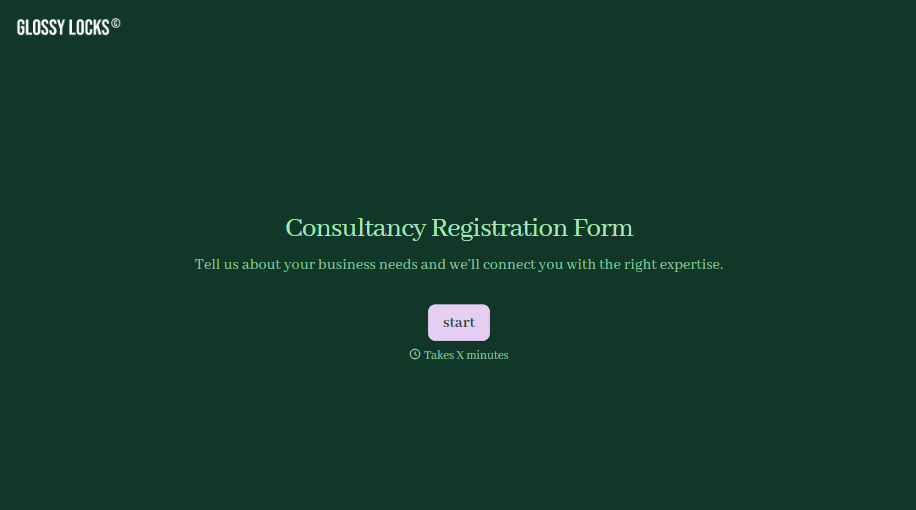
Consultancy Registration Form
Move past a registration form that only grabs a name and a phone number. Confirm the client understands who they're signing up with, screen for what a consultancy is legally allowed to charge and promise, and keep a record of exactly what was disclosed and agreed to.
View template


With Typeform, you can customize everything
Change text, colors, and even logos to match the look and feel of your brand. Then embed forms smoothly onto web and email.
Make forms feel effortless to fill out. Pace questions, call people by their name, and adapt the flow based on the data they share.
Stay efficient by connecting forms to your workflow. Typeform integrates with 300+ tools including Slack, Zapier, and HubSpot.


