Contact Us Form Template
Make it effortless for people to reach you, and actually get routed to the right person.



Your "Contact Us" page is often the last stop before someone becomes a customer, or gives up entirely. And yet most contact forms are an afterthought: name, email, message, submit. No context about what the person needs, no routing logic, no expectation setting. The result is a inbox full of vague messages that take 3 replies to sort out.
This contact us form template captures the right details upfront so your team can respond faster and more effectively. It asks what the inquiry is about — sales, support, partnerships, press, careers, and uses conditional logic to show relevant follow-up questions for each category. A sales inquiry collects budget and timeline; a support request captures account details and issue description.
Embed it on your website, and connect it to your helpdesk, CRM, or Slack through integrations. Inquiries arrive categorized, contextualized, and routed, so the right person responds, faster.
A contact us form is a web-based form that lets visitors reach out to your organization with questions, requests, or feedback. It replaces (or complements) a published email address or phone number, giving you structured information about who's contacting you and why. A well-designed contact form is both a communication tool and a lead qualification filter.
A contact form gives you control over what information you receive, reducing back-and-forth. It also protects your team's email addresses from spam bots. Most importantly, it lets you route inquiries automatically. A support question goes to support, a sales inquiry goes to sales — instead of dumping everything into one shared inbox.
- Name and email address
- Inquiry type (sales, support, partnerships, press, other)
- Company or organization name
- Subject or brief description of the inquiry
- Preferred contact method and best time to reach them
- How they heard about you
Typeform's design naturally deters bots. The one-question-at-a-time format and interactive elements are harder for automated scripts to navigate than traditional forms. For additional protection, add a CAPTCHA or use Typeform's built-in spam filtering. You can also add a qualifying question early in the form that screens out irrelevant submissions.
Aim for under 4 hours during business hours. Under 1 hour if you can manage it. Set up instant notifications through Slack or email integrations so new submissions don't sit unnoticed. An automated acknowledgment email ("we received your message and will respond within X hours") buys you time while showing the person their message didn't vanish into the void.
Get inspired by relevant templates and categories
3200+ Templates, 300+ Integrations

Bank Reference Form
A reference request faxed to a bank branch and left sitting in a queue for weeks isn't the kind of turnaround a landlord or business can wait on. Collect the applicant's signed authorization and the specific details you need confirmed before the request even reaches the bank, so a decision isn't stuck behind a letter that hasn't come back yet.
View template
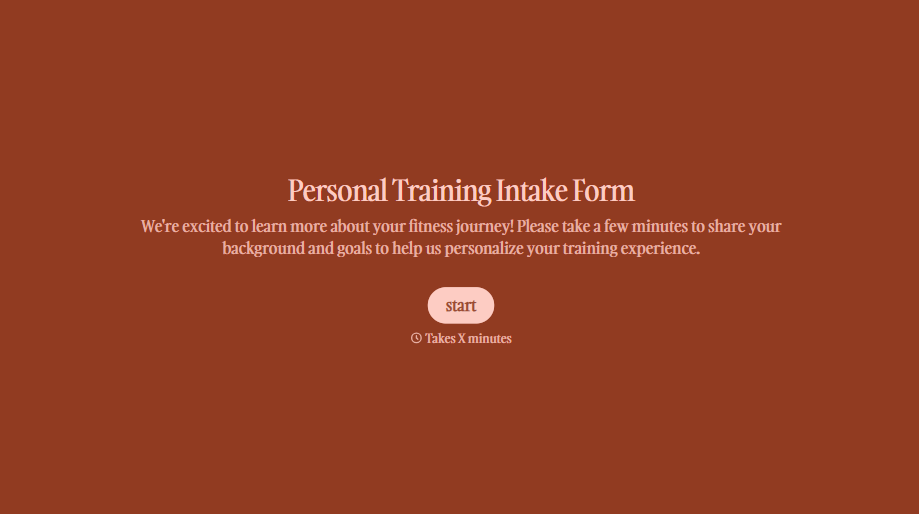
Personal Trainer Intake Form
A PAR-Q filled out in the lobby five minutes before a first session isn't intake, it's a formality nobody has time to read closely. Collect health history, injury information, and fitness goals before the first session, so your trainer isn't building a program blind.
View template
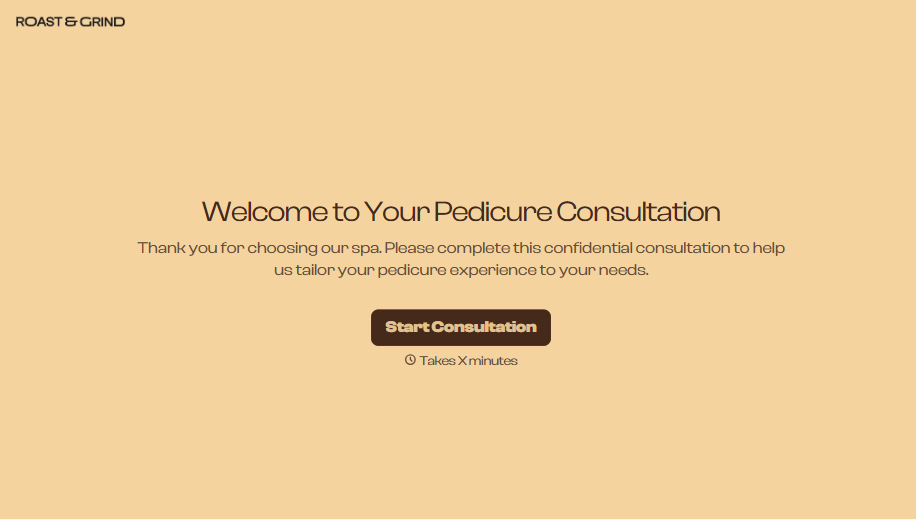
Pedicure Consultation Form
An intake card filled out on a clipboard while a client's feet are already in the soak isn't a consultation, it's a formality nobody reads closely. Collect foot health disclosures, allergy information, and service preferences before the technician picks up a tool, so nobody discovers a health condition mid-service.
View template

Bar Inventory Form
A bottle count eyeballed at the end of a shift and scrawled on a paper sheet doesn't hold up against a pour cost report that says something doesn't add up. Collect what your bar actually needs, item, count, and variance, on a schedule you can actually compare week to week.
View template

Equipment Inventory Form
Equipment that leaves a storage room in someone's arms, with no note about where it went, doesn't show up again until someone needs it and can't find it. Collect what your team actually needs, item details, condition, and who's got it, every time something moves.
View template

Maintenance Agreement Form
A maintenance plan agreed to over the phone isn't a contract your service team can actually work from, especially when nobody's sure whether the twice-a-year tune-up was part of the deal. Collect the equipment covered, service frequency, and a signed agreement before the first visit, so your team isn't guessing at scope once they're on-site.
View template
With Typeform, you can customize everything
Change text, colors, and even logos to match the look and feel of your brand. Then embed forms smoothly onto web and email.
Make forms feel effortless to fill out. Pace questions, call people by their name, and adapt the flow based on the data they share.
Stay efficient by connecting forms to your workflow. Typeform integrates with 300+ tools including Slack, Zapier, and HubSpot.


