Construction Inspection Form
Capture what passed, what failed, and what needs attention on every site visit, while the details are still in front of you.



Construction inspections protect budgets, timelines, and lives, yet too many still run on paper clipboards and memory. A missed defect or an illegible note becomes a costly rework or a safety failure weeks later. Typeform's construction inspection template gives site teams a consistent way to document every visit accurately.
The form captures site details, inspection items, pass or fail status, and photo evidence. Questions appear one at a time, so inspectors record each item without skipping a checkpoint. Conditional logic branches the form by inspection type, so a structural check shows load and foundation items while an electrical inspection shows wiring and panel checks. Inspectors complete only the relevant criteria, reducing time on-site and errors in the record.
Tailor the checklist to each phase of the build, from foundation and framing to MEP rough-in and final walkthrough, and add a file upload for defect photos tied to each line item. Share it as a link or post a QR code at the site office. Every submission logs to Google Sheets or your project tracker via Zapier, timestamped and sortable by site and date. Your team addresses every defect on time and keeps a complete inspection history for audits.
A construction inspection form is a structured checklist for documenting site conditions, code compliance, and safety during a build. It logs what was checked, whether it passed, any notes, and photos, all in one place. Inspectors, contractors, and site managers use it to catch issues early and keep a paper trail from groundbreak to handover.
A digital construction inspection form gives you a timestamped, photo-backed record the moment your inspector hits submit. Paper checklists get filed and forgotten. Digital ones surface a framing gap or code violation the same day, before it becomes a liability.
Cover every checkpoint that affects safety and compliance:
- Site name, location, and inspection date
- Inspector name and trade
- Inspection items with pass or fail status
- Defect descriptions and severity
- Photo evidence
- Corrective actions and follow-up dates
Mark your safety-critical questions as required, so the form won't submit until an inspector answers them. Fall protection, electrical hazards, and structural load checks stay mandatory, while general notes and observations remain optional for added context. This closes the gaps that lead to failed audits and costly rework, so every report comes back complete. On a site where one skipped check can mean an OSHA citation or an injury, that built-in completeness protects your crew and your liability.
Yes. Inspectors can attach photos directly to the form using Typeform's file upload field. JPGs, PNGs, and PDFs up to 10MB are all accepted. The photos come through alongside the notes, so project managers get the full picture without a separate email chain. File upload is available on all paid Typeform plans.
Get inspired by relevant templates and categories
3200+ Templates, 300+ Integrations
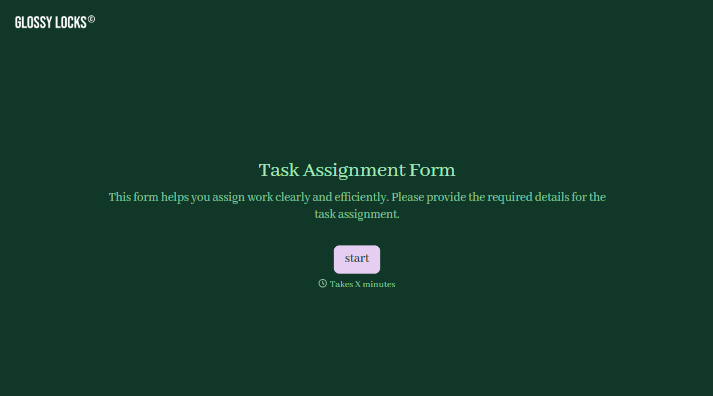
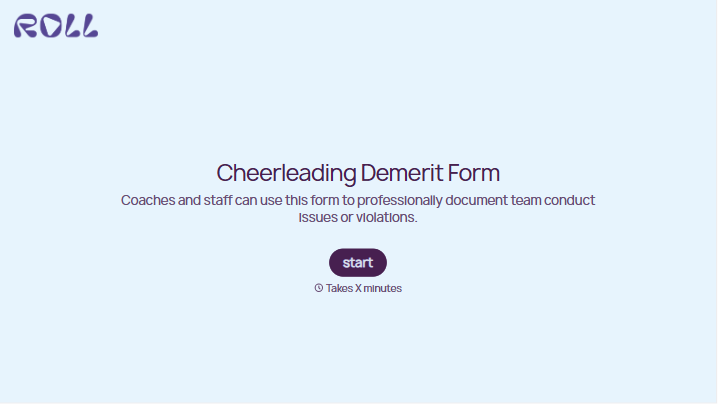
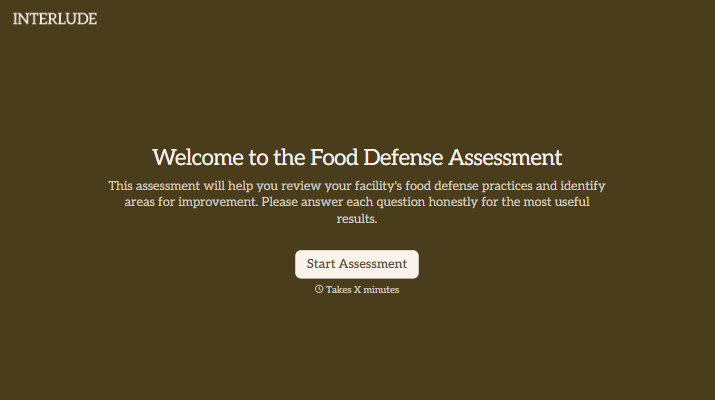


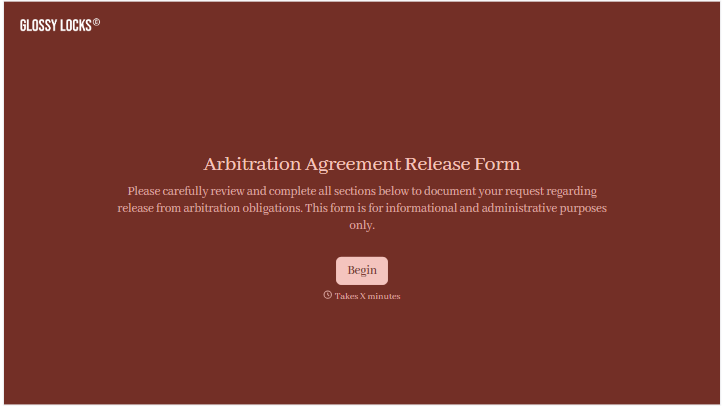
With Typeform, you can customize everything
Change text, colors, and even logos to match the look and feel of your brand. Then embed forms smoothly onto web and email.
Make forms feel effortless to fill out. Pace questions, call people by their name, and adapt the flow based on the data they share.
Stay efficient by connecting forms to your workflow. Typeform integrates with 300+ tools including Slack, Zapier, and HubSpot.


