Conference Registration Form Template
Make conference sign-ups as polished as the event itself.



Conferences are complex. Multiple tracks, session selections, meal preferences, hotel blocks, early-bird pricing, group discounts — you need to manage all of it through a single registration process that doesn't overwhelm attendees or create a mess on the back end.
This conference registration form template handles the complexity gracefully. Attendees provide their personal and professional details, select sessions or tracks, indicate dietary needs, and complete payment, all in a guided, one-question-at-a-time flow. Conditional logic shows VIP options to qualifying registrants, applies the right pricing tier based on registration date, and routes different attendee types (speaker, sponsor, general) through tailored paths.
Integrate with your event management platform, payment processor, and email system. Confirmation emails go out automatically, and you have a real-time dashboard of registrations, revenue, and session capacity.
A conference registration form is a sign-up tool for multi-session events that collects attendee information, session preferences, payment, and logistical needs. It's designed to handle the complexity that comes with large-scale events — multiple ticket types, sessions, pricing tiers, and add-ons, while keeping the registration experience smooth for attendees.
Because registration is the first interaction attendees have with your event. A clunky, confusing sign-up process sets a negative tone before the conference even starts. A smooth one builds anticipation and confidence. Practically speaking, a well-designed form also reduces support inquiries, minimizes registration errors, and captures the data you need to personalize the event experience.
- Full name, email, job title, and organization
- Registration type (general, VIP, speaker, sponsor, student)
- Session or track preferences from the agenda
- Dietary restrictions and accessibility requirements
- Payment method and billing information
- How they heard about the conference
Use conditional logic tied to the registration date. Before the early-bird deadline, the form displays discounted pricing. After the deadline, standard pricing takes over automatically. No manual updates needed. You can also create promo codes for group discounts, sponsor comps, or partner deals, each applying a different price when entered.
Yes. You can add a "registering for" option at the start — for an individual or a group. If they select “group,” the form dynamically adds fields for each additional attendee's name, email, and session preferences. This simplifies the process for executive assistants or team leads registering their entire department, and keeps all the data linked to one primary contact.
Get inspired by relevant templates and categories
3200+ Templates, 300+ Integrations
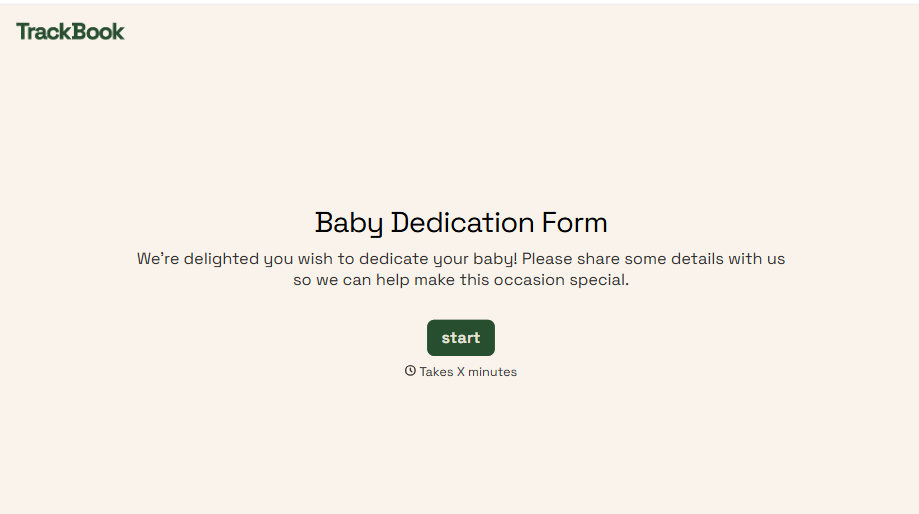
Baby Dedication Form
A sign-up sheet passed around during announcements isn't the kind of detail you want to compile into a Sunday program from memory. Collect the baby's information, requested ceremony date, and any required class attendance before the service, so your team isn't confirming a name's spelling the morning of.
View template
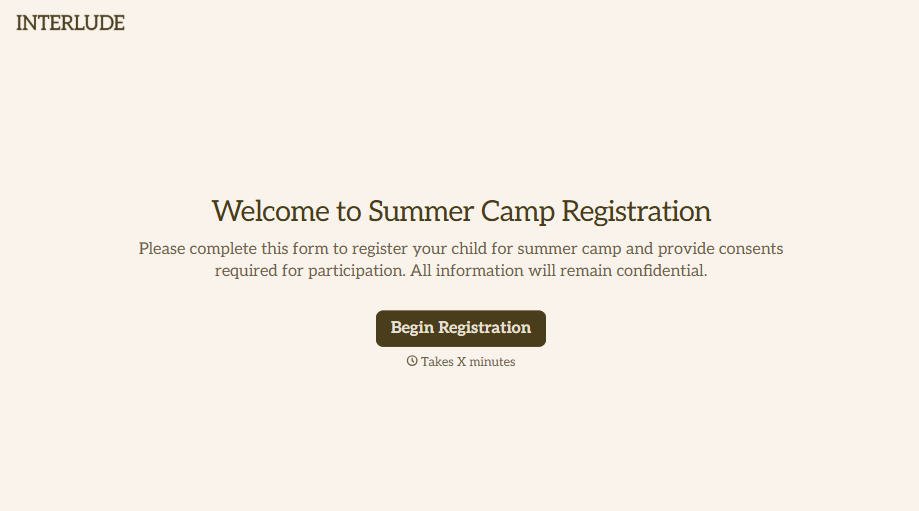
Summer Camp Consent Form
A camper with a bee sting and a counselor on the phone trying to reach a parent isn't a consent process, it's a delay. Collect guardian consent for emergency medical treatment, medication administration, and photo or media use before drop-off, so your staff can act instead of waiting for a callback.
View template
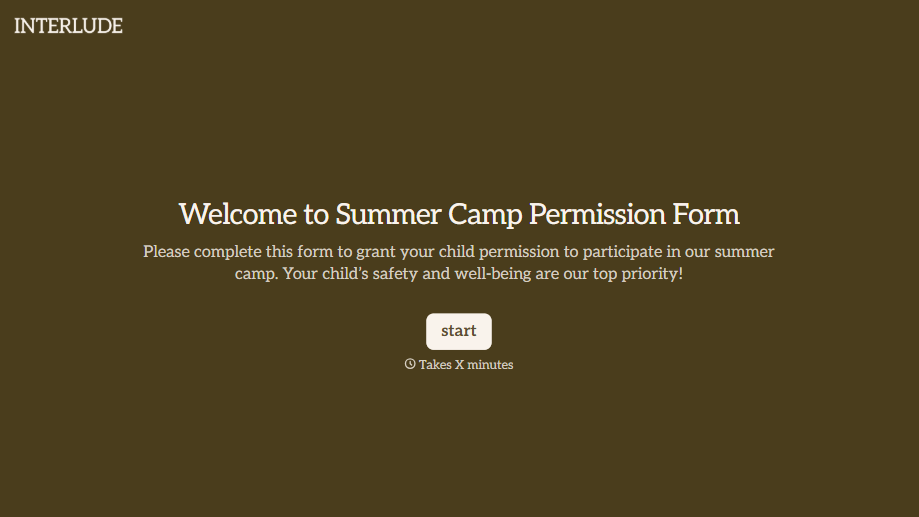
Summer Camp Permission Form
A permission packet crumpled at the bottom of a backpack for two weeks isn't a permission slip anyone can rely on. Collect camper information, medical disclosures, and a signed permission for camp activities before drop-off, so your staff aren't scrambling for an emergency contact on day one.
View template

Distributor Registration Form
A distributor application that arrives as a scanned resale certificate attached to an email doesn't tell your sales team what territory they're actually asking for. Collect what your company actually needs, business information, tax documentation, and territory, before you set up an account.
View template
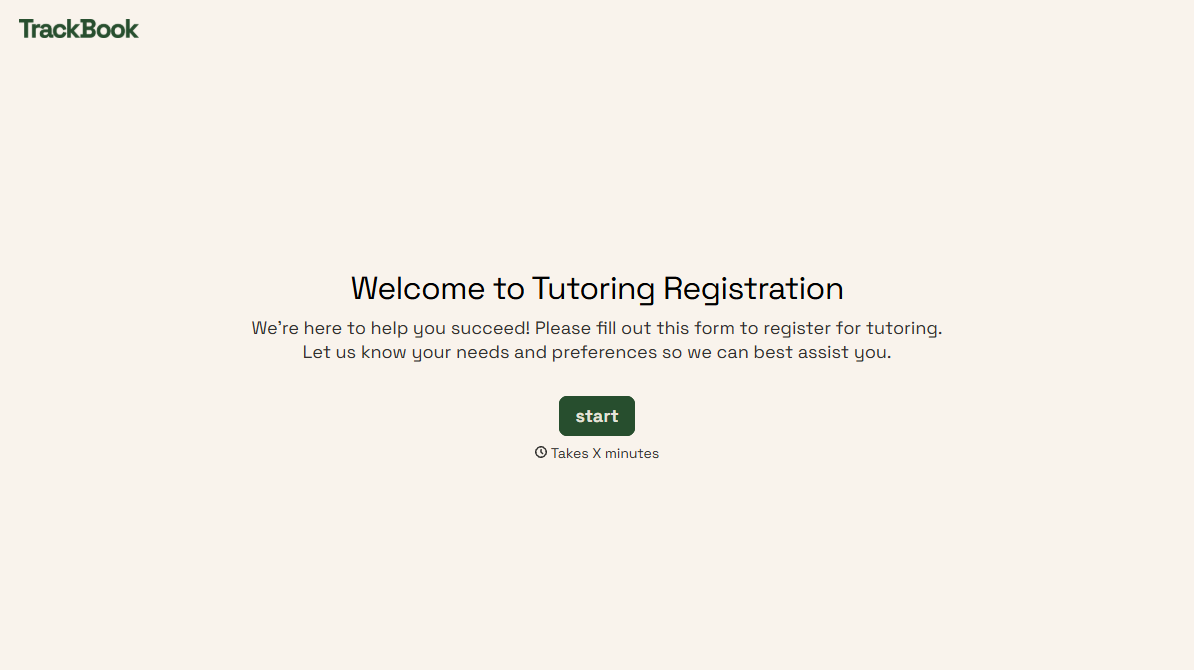
Tutoring Registration Form
A phone call to sign up for tutoring isn't the kind of information a tutor can build a first session around, especially without knowing which chapter of algebra is causing the trouble. Collect the student's subject needs, schedule, and goals before the first session, so a tutor isn't starting from scratch on day one.
View template
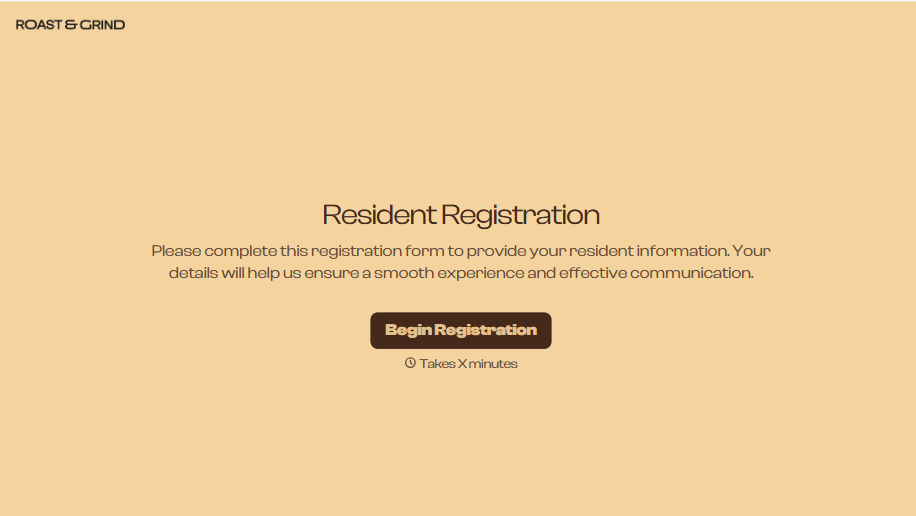
Resident Registration Form
A move-in packet signed at the leasing office and filed in a drawer isn't the kind of record your front desk can pull up when a resident's guest needs access or a car needs to be identified in the lot. Collect household members, vehicles, and emergency contacts before move-in day, so your community has an accurate record from the start.
View template
With Typeform, you can customize everything
Change text, colors, and even logos to match the look and feel of your brand. Then embed forms smoothly onto web and email.
Make forms feel effortless to fill out. Pace questions, call people by their name, and adapt the flow based on the data they share.
Stay efficient by connecting forms to your workflow. Typeform integrates with 300+ tools including Slack, Zapier, and HubSpot.


