Computer request form template
Give IT everything they need to fulfill a computer request the first time, so no one waits a week on a laptop because details are missing. Collect the device, specs, reason, and sign-off in one request, no back-and-forth threads.



A computer request that lands as a one-line Slack message, "need a new laptop," sends IT straight back with questions: which model, how much memory, what's it for, who approved it? Each round of questions creates delays, and a new hire starts their first week borrowing someone else's computer. Typeform's computer request form asks for the full picture up front, so IT can act on the request instead of chasing down details.
Employees pick the device type, set the specs they need, and explain what the machine is for, all in one request. Conditional logic adapts the form to the choice, so requesting a laptop prompts questions about portability and operating system, while a desktop request asks about monitors and peripherals. Every computer request lands with the same details filled in, ready to review.
Requests arrive complete, rather than in fragments across three threads. IT can approve, order, and track hardware from one place, and employees get the machine they need without the back and forth of clarifying questions.
A computer request form is how employees ask IT for a new or replacement machine—with the details IT needs, collected in one place. It captures the device type, specs, purpose, and approval, so nothing's missing when the request lands. IT teams that field hardware requests across a growing company keep every request complete and trackable, instead of scattered across email, tickets, and hallway asks.
When a request comes in as a quick message, it usually misses the detail IT needs to act and complete the request. The model, the memory, the reason, the approval, any one of them absent means a reply and a wait. A computer request form collects them all at submission, so IT can move on the request the moment it arrives.
Capture what IT needs to fulfill it:
- Device type and model
- Required specs like memory and storage
- What the machine is for
- Department and manager approval
- Needed-by date
Yes. Employees can upload a quote or spec sheet directly to the request with File Upload, available on paid Typeform plans. They can add PDFs or images up to 10MB each, so IT sees the exact model and pricing without hunting for a separate email. Every file arrives along with the request.
Yes. You can adjust the device options, specs, and approval steps to match how each team works and what they're allowed to request. Use conditional logic to show a section only when it applies, so a designer requesting a high-spec workstation and a sales hire requesting a standard laptop each see only the fields that fit.
Get inspired by relevant templates and categories
3200+ Templates, 300+ Integrations



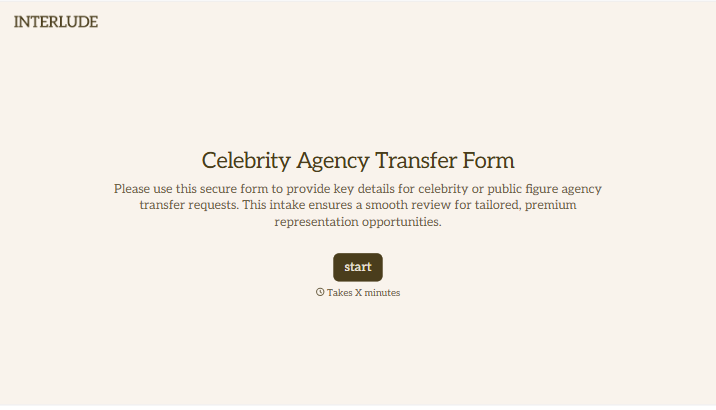
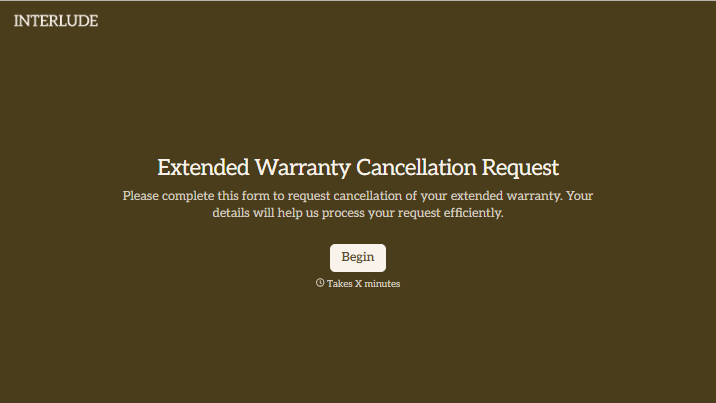
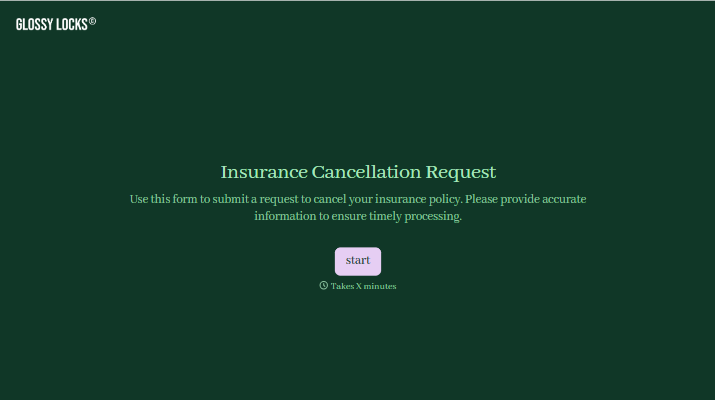
With Typeform, you can customize everything
Change text, colors, and even logos to match the look and feel of your brand. Then embed forms smoothly onto web and email.
Make forms feel effortless to fill out. Pace questions, call people by their name, and adapt the flow based on the data they share.
Stay efficient by connecting forms to your workflow. Typeform integrates with 300+ tools including Slack, Zapier, and HubSpot.


