Free Coaching Feedback Form Template
Get honest input on your coaching sessions so you can keep improving your practice.



Coaching is a two-way relationship, but the feedback often only flows one direction. Clients rarely tell you unprompted when a session didn't quite land, when they felt pushed too hard or not hard enough, or when the focus missed what they actually needed. Without that input, you're making adjustments based on your own observations alone.
A structured feedback form after each session gives clients a low-pressure way to share what worked and what didn't. Typeform's coaching feedback template uses the one-question-at-a-time format so clients don't feel overwhelmed, and open-ended questions let them articulate nuance that a rating scale can't capture. Conditional logic can follow up on ratings — if someone marks a session as less useful than expected, the form prompts them to explain what was missing. Responses accumulate into a pattern that shows you where your coaching is strong and where there's room to grow.
Add your branding and session-specific questions, and send it automatically after each engagement.
A coaching feedback form is a structured questionnaire that clients complete after a coaching session or program. It captures their experience of the session — what was useful, what could be improved, how confident they feel about their goals — giving the coach actionable input for continuous development.
Because your clients' honest experience of the session is data you can't access any other way. A feedback form creates a safe channel for candid input that many clients wouldn't volunteer in the session itself. Over time, patterns in the responses help you refine your approach and serve clients more effectively.
A coaching feedback form typically covers:
- How useful did you find today's session?
- What part of the session was most valuable to you?
- Was there anything that felt unclear or unhelpful?
- How confident do you feel about your next steps?
- Is there anything you'd like to focus on differently going forward?
- Overall, how would you rate our coaching relationship so far?
Treat it as the most valuable input you can receive. When a client flags that something isn't working, follow up with a direct conversation — not to defend your approach, but to understand their experience and adjust. A client who feels heard after giving critical feedback often becomes more committed to the process.
Both approaches have value. A short 2 to 3 question check-in after each session keeps you continuously calibrated. A longer review form at the midpoint and end of a coaching program gives clients space to reflect on progress and the overall relationship. Many coaches use both.
Get inspired by relevant templates and categories
3200+ Templates, 300+ Integrations
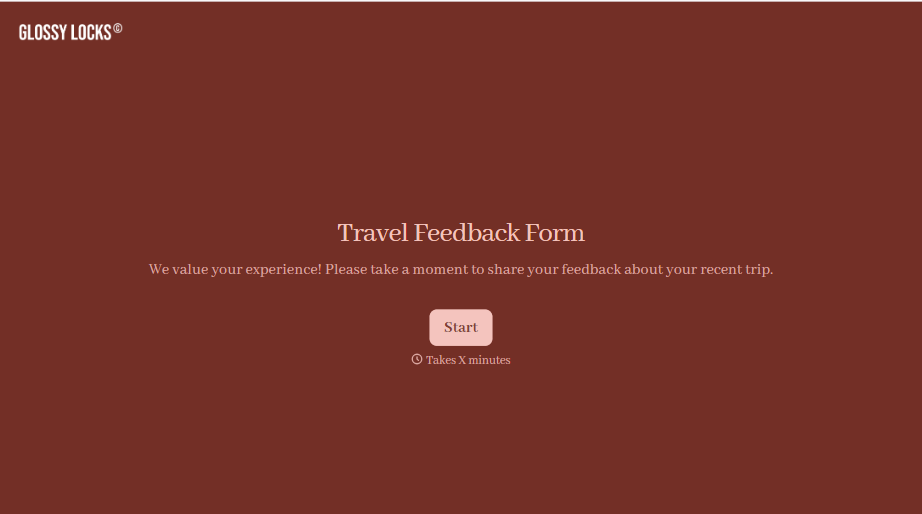
Travel Feedback Form
A quick "so, how was the trip?" when someone's back in the office doesn't tell your travel team which hotel to stop booking or which flight change actually caused the headache. Collect what your team actually needs, trip details, what worked, and what didn't, once the traveler's had a minute to think about it.
View template
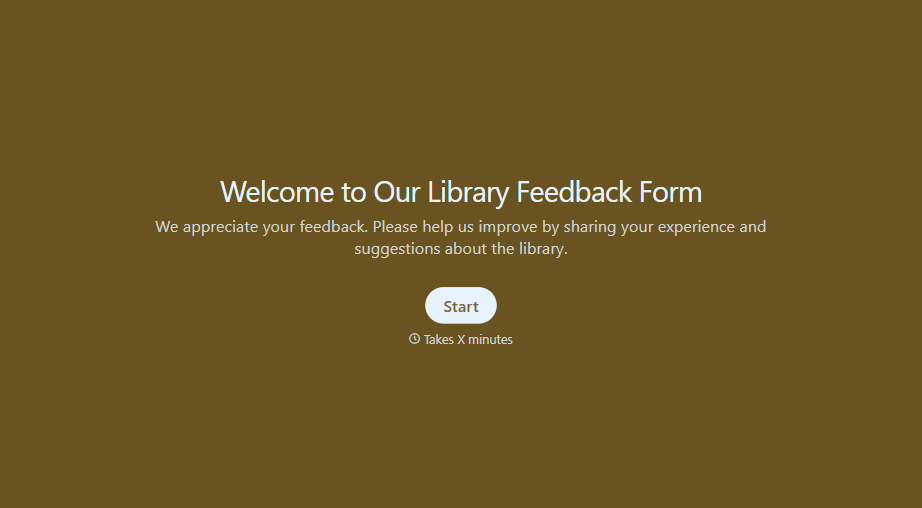
Library Feedback Form
A comment card dropped in a suggestion box isn't a channel your staff can act on quickly, especially when nobody can tell if it's about a broken chair or a request for more audiobooks. Collect the specific feedback, which branch and department it concerns, and a way to follow up before the card gets buried under next week's stack.
View template

Travel Agency Feedback Form
A generic satisfaction survey emailed three weeks after a trip isn't the kind of feedback an agency can act on, especially once the specifics of a rough hotel transfer have faded. Collect feedback on the specific parts of a trip while it's still fresh, so a complaint that needs immediate follow-up doesn't sit behind a stack of routine responses.
View template
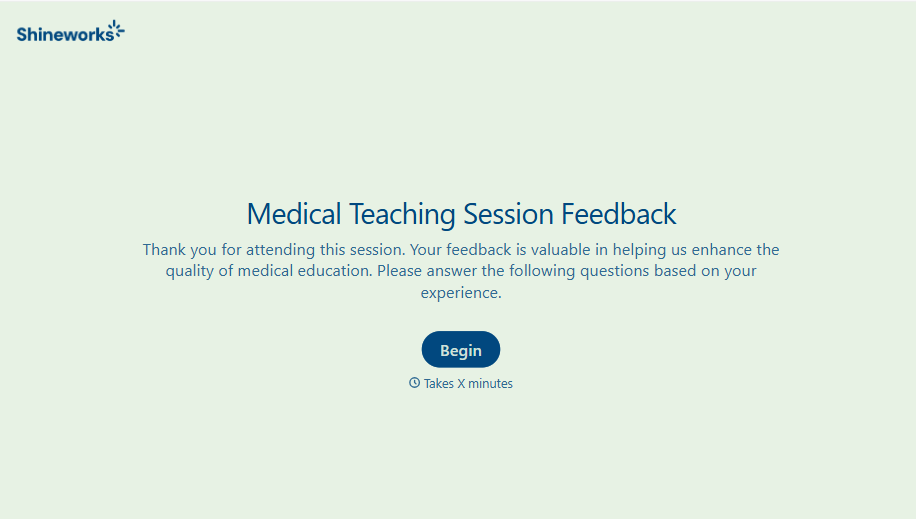
Medical Teaching Feedback Form
An evaluation handed out on the last day of a rotation, filled out in the hallway before everyone scatters, isn't the kind of feedback that helps a program improve teaching quality. Collect specific, timely feedback on teaching encounters before it fades into a generic "good rotation" comment.
View template
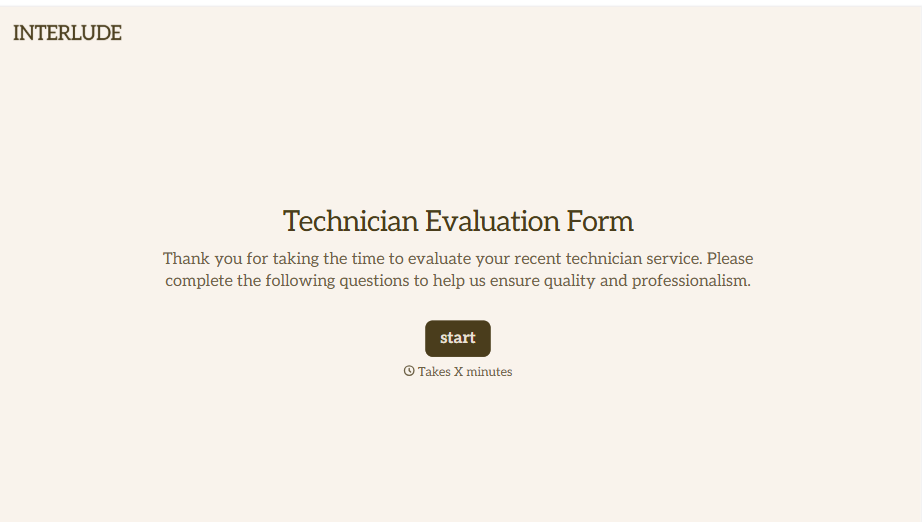
Technician Evaluation Form
A ride-along evaluation scribbled on a clipboard in the truck isn't the kind of record that holds up months later when it's time to talk about a raise or a certification renewal. Collect specific skill, safety, and customer service observations while the job's still fresh, so a technician's review is built on more than a supervisor's memory of the day.
View template
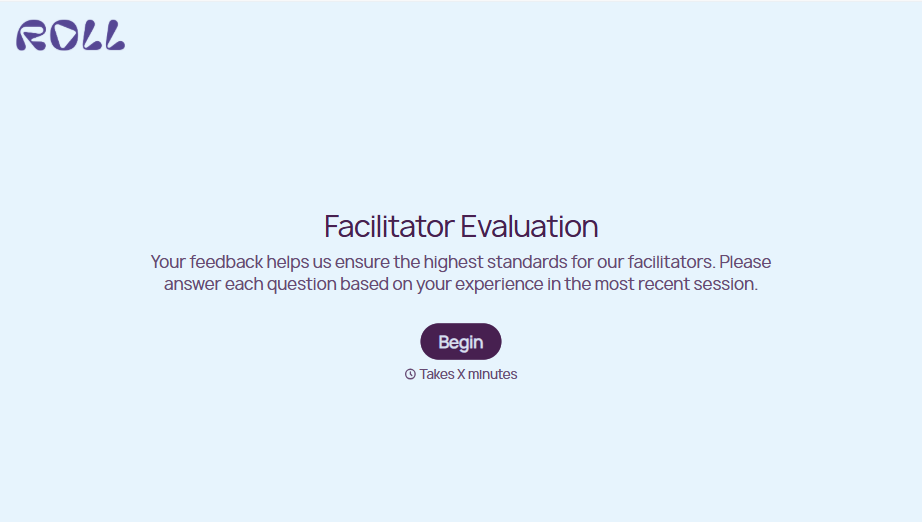
Facilitator Evaluation Form
A round of applause and a few nodding heads doesn't tell your program which facilitator's session actually clicked and which one needs coaching before the next cohort. Collect what your team actually needs, session details, ratings, and specific feedback, before everyone moves on to the next session.
View template
With Typeform, you can customize everything
Change text, colors, and even logos to match the look and feel of your brand. Then embed forms smoothly onto web and email.
Make forms feel effortless to fill out. Pace questions, call people by their name, and adapt the flow based on the data they share.
Stay efficient by connecting forms to your workflow. Typeform integrates with 300+ tools including Slack, Zapier, and HubSpot.


