Club Membership Form Template
Collect member details, preferences, and payment in one form — no clipboards, no follow-up emails, no chasing down missing information.



Growing a club — whether it's a sports league, a professional association, or a hobby group — means signing up new members. And if your sign-up process involves paper forms at events, you're losing people between "I'm interested" and "I'll fill this out later." Later usually means never.
This club membership form template captures everything in one digital flow: personal details, membership tier, interests, emergency contacts, and payment. Conditional logic adjusts the form based on membership type — a student member might see different pricing and questions than a professional member. The one-question-at-a-time design keeps it quick and painless.
Share the link on your website, in emails, or at events via a QR code. New member data syncs to your membership database, spreadsheet, or email list automatically, so you can welcome people properly instead of deciphering handwriting.
A club membership form is a registration tool that collects personal information, preferences, and payment details from people joining your organization. It serves as both an application and a record-keeping document, giving you the data you need to manage your roster, communicate with members, and track dues or fees.
Paper forms get lost, damaged, or left in a stack that nobody processes. A digital form captures clean data instantly, triggers confirmation emails, and feeds directly into your member management tools. It also makes your club look professional, which matters when you're asking someone to commit their time and money.
- Full name and contact information
- Membership type or tier
- Areas of interest or preferred activities
- Emergency contact details
- Agreement to club rules or code of conduct
- Payment for membership dues (if applicable)
Use conditional logic to branch the form based on the membership type selected. Each tier can have different pricing, benefits descriptions, and follow-up questions. A premium member might see questions about event preferences, while a basic member gets a simpler path. One form handles all tiers without confusion.
Yes. Connect the form to your email platform — Mailchimp, ConvertKit, or even a simple email notification — and trigger a welcome message the moment someone submits. Include their membership details, next steps, and any onboarding resources. First impressions matter, and a prompt welcome email sets the right tone.
Get inspired by relevant templates and categories
3200+ Templates, 300+ Integrations
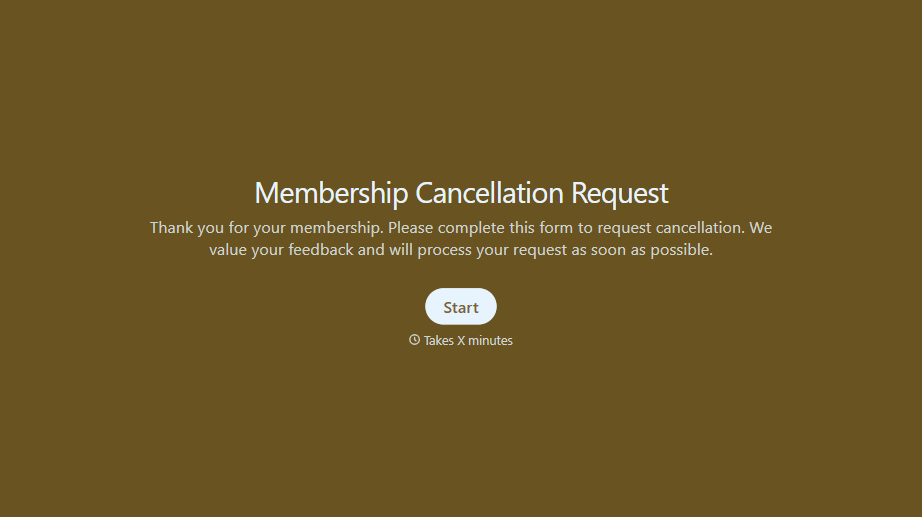
Membership Cancellation Request Form
A cancellation buried behind a phone number you can only call during business hours, or a support ticket that takes three emails to get an actual confirmation, isn't retention, it's friction people remember on the way out the door. Make canceling straightforward, and use the moment to actually find out why.
View template
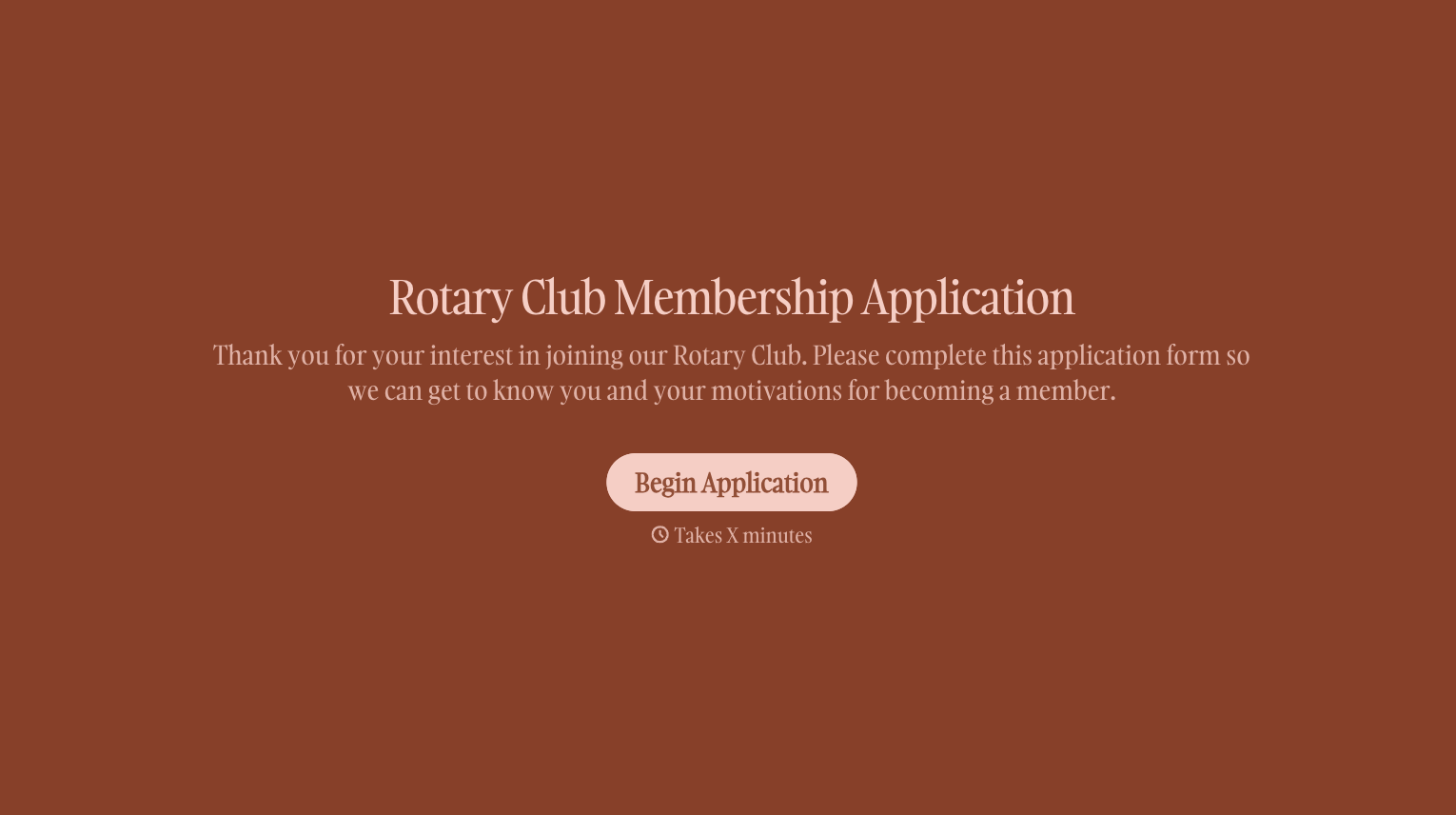
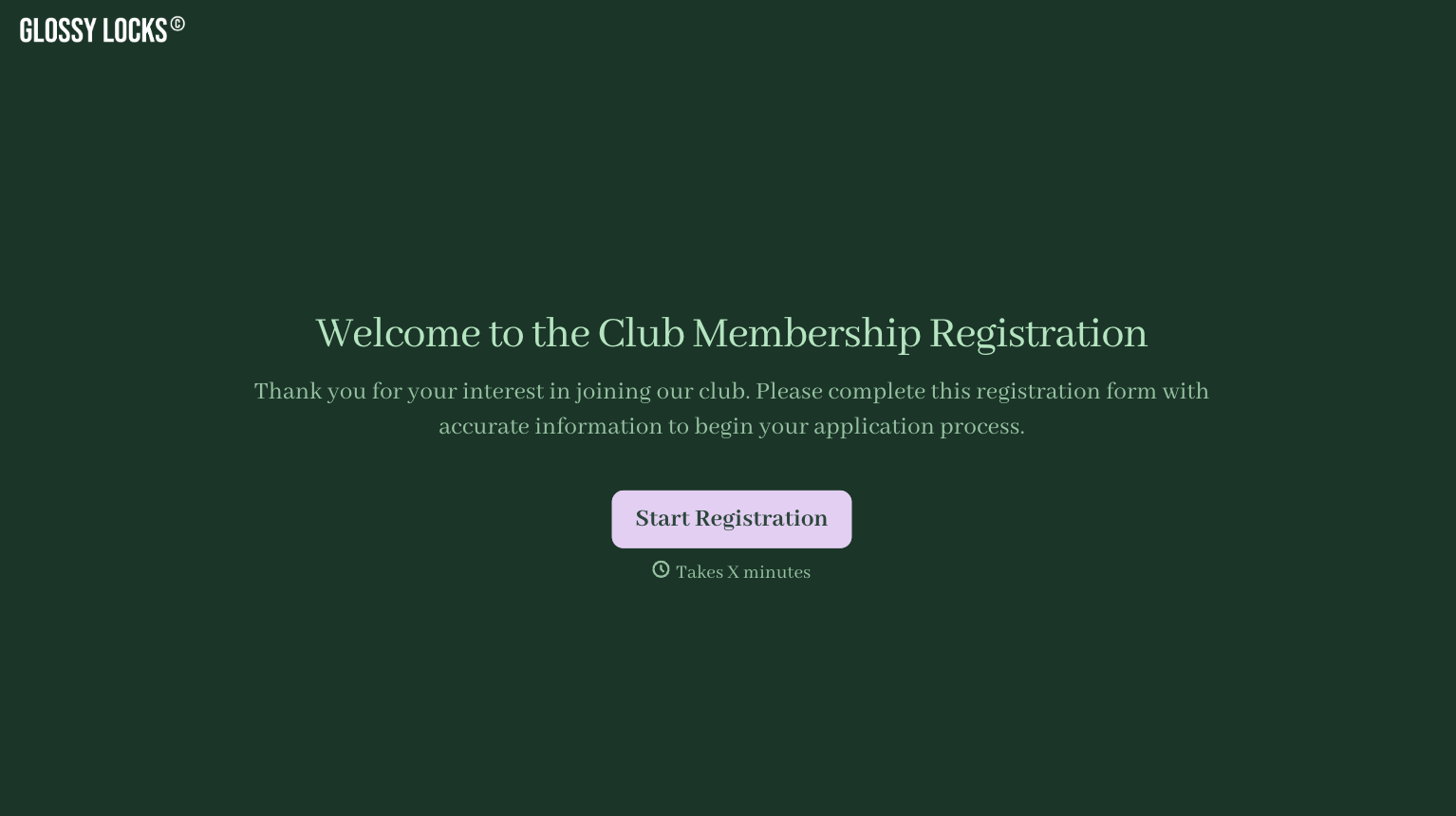
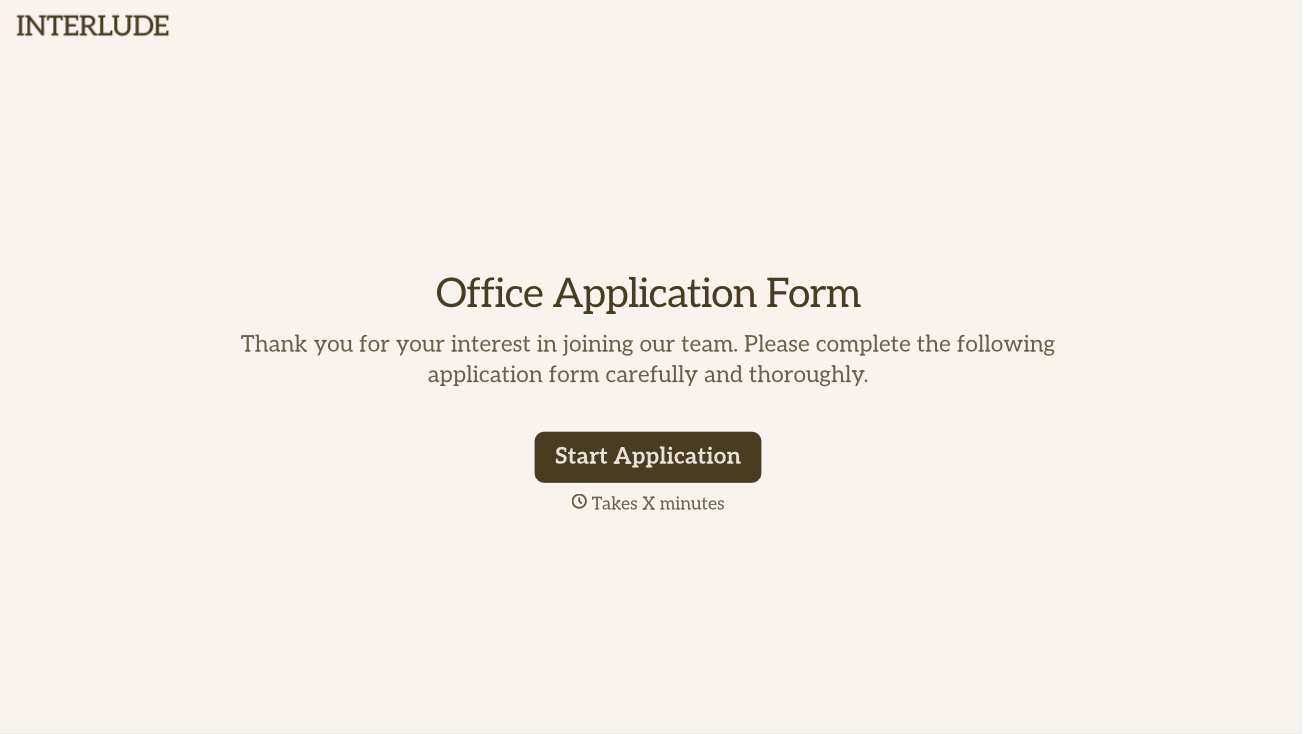
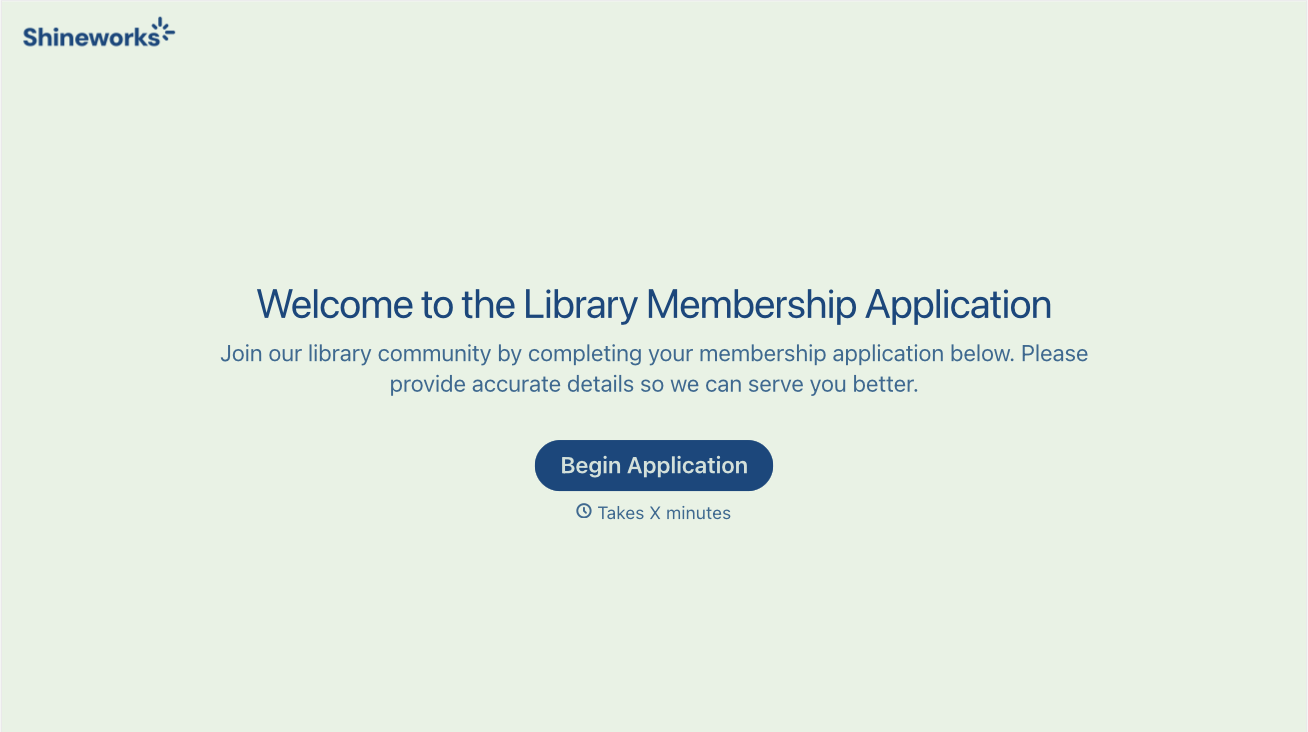
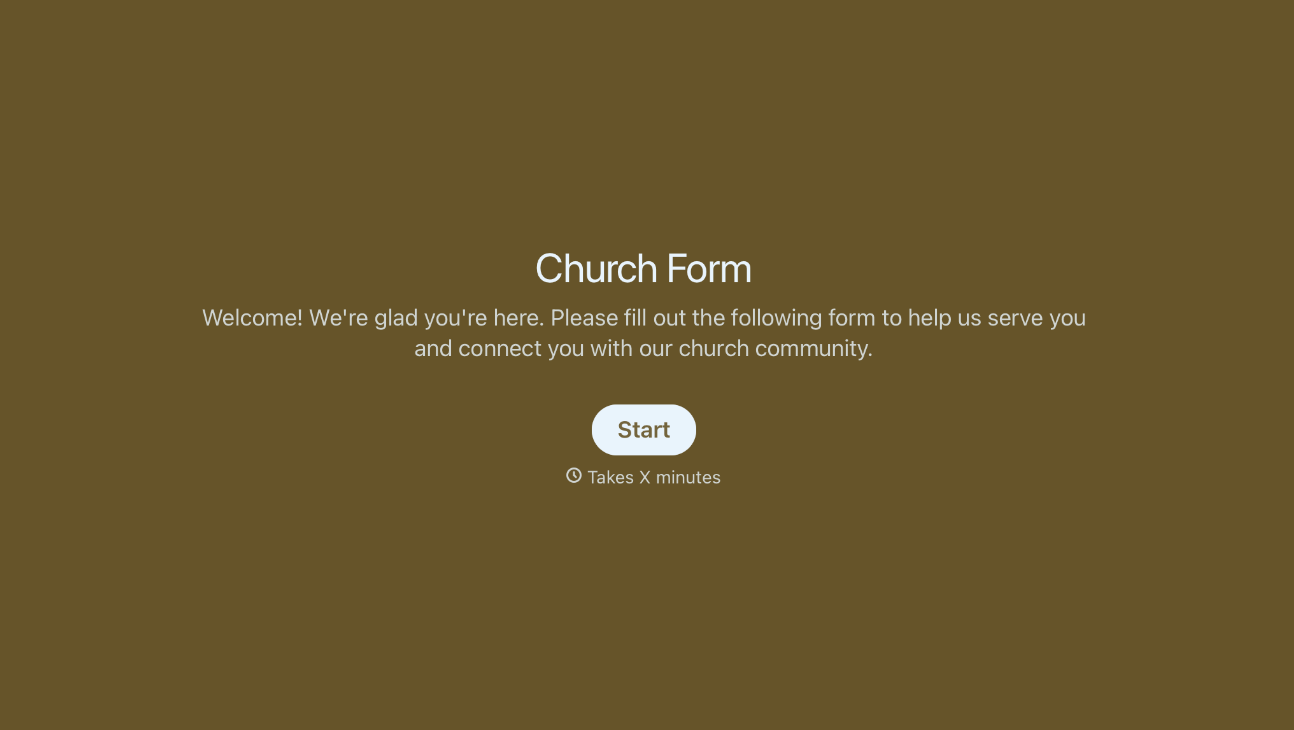
With Typeform, you can customize everything
Change text, colors, and even logos to match the look and feel of your brand. Then embed forms smoothly onto web and email.
Make forms feel effortless to fill out. Pace questions, call people by their name, and adapt the flow based on the data they share.
Stay efficient by connecting forms to your workflow. Typeform integrates with 300+ tools including Slack, Zapier, and HubSpot.


