Church Pledge Form Template
Make it easy for your congregation to commit their support, on their terms, at their pace.



Pledge drives are the lifeblood of church budgets, but passing around paper commitment cards during a service and hoping they all make it back to the office isn't a strategy. It's a prayer. Cards get lost, handwriting gets misread, and follow-up becomes guesswork.
This church pledge form template lets congregants make their commitments digitally, from any device, whenever they're ready. They choose their pledge amount, select a giving frequency, and designate specific funds if your church has multiple campaigns. Conditional logic adjusts the experience, so a one-time gift shows different options than a recurring monthly pledge.
Share the form via your church website, email newsletter, or a QR code displayed during services. Every pledge is recorded, organized, and exportable to your church management system.
A church pledge form is a commitment document where congregants indicate how much they intend to give to the church over a specified period. It captures the pledge amount, frequency (weekly, monthly, annually), and any fund designations. It's a planning tool that helps church leadership forecast revenue and budget responsibly.
Paper pledge cards have 3 problems: they get lost, they're hard to read, and they're impossible to track without manual data entry. A digital form solves all 3. Every pledge is legible, instantly recorded, and easily exported. Plus, congregants can complete it on their own time instead of feeling rushed during a service.
- Pledger's full name and contact information
- Pledge amount
- Giving frequency (weekly, monthly, quarterly, annually)
- Designated fund or campaign (general, building, missions, youth)
- Preferred giving method (online, check, automatic withdrawal)
- Optional message or prayer request
Frame the pledge as an opportunity, not an obligation. Share the form link with a brief, heartfelt message about what the pledges will fund. Specific projects resonate more than general appeals. Let people complete it privately, on their own time. The form's conversational tone helps it feel like a personal commitment rather than a financial transaction.
The form captures commitments, but tracking actual giving against those commitments requires integration with your church management or accounting system. Export pledge data and reconcile it against donation records periodically. Many churches do this quarterly to identify and gently follow up on unfulfilled pledges.
Get inspired by relevant templates and categories
3200+ Templates, 300+ Integrations



Nationality Verification Form
A self-certification buried in a stack of new account paperwork isn't the kind of record a compliance team can rely on for a regulatory filing. Collect nationality, tax residency, and a signed declaration before an account opens, so compliance isn't chasing down a customer's citizenship status after the fact.
View template
Policy Cancellation Form
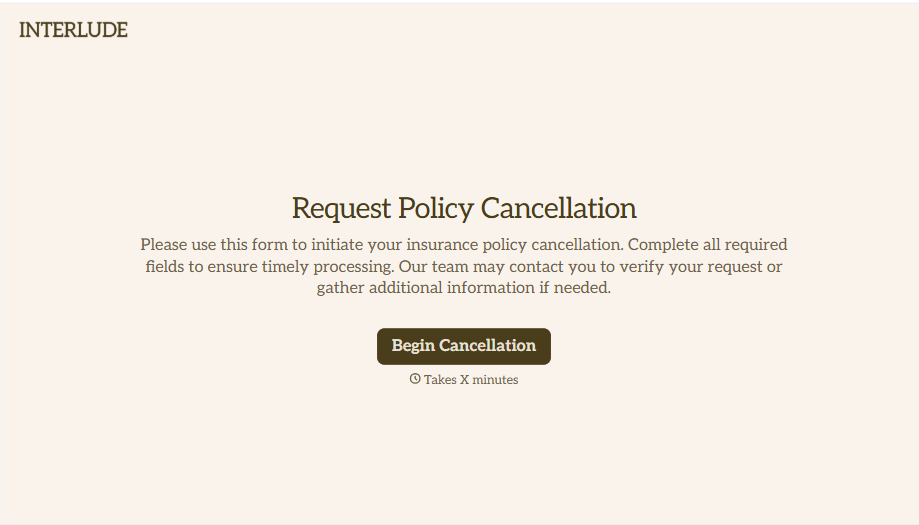
A cancellation requested over the phone doesn't leave a clear record of exactly what date the policyholder actually asked for, and that date matters more than it sounds like it should. Collect what your agency actually needs, policy details, identity verification, and the requested effective date, before coverage actually ends.
View template
With Typeform, you can customize everything
Change text, colors, and even logos to match the look and feel of your brand. Then embed forms smoothly onto web and email.
Make forms feel effortless to fill out. Pace questions, call people by their name, and adapt the flow based on the data they share.
Stay efficient by connecting forms to your workflow. Typeform integrates with 300+ tools including Slack, Zapier, and HubSpot.


