Black Friday Checklist Form Template
Run your biggest sales day without dropping the ball—track every task, every team, and every deadline in one place.



Black Friday doesn't fail because of bad deals; it fails because of poor coordination—an email that went out with the wrong discount code, the product page that never got updated, the social post scheduled for the wrong time zone. When Black Friday prep is scattered across spreadsheets, Slack threads, and someone's memory, something slips. And on the one day where every hour of downtime costs you, slipping isn't an option.
Typeform's Black Friday checklist form gives retail and e-commerce teams a single place to confirm that every pre-Black Friday task is done before the clock starts. It captures pre-launch readiness across marketing, inventory, customer support, and tech, with a Yes/No confirmation for each item and a notes field for anything that needs attention. Conditional logic automatically follows up on any task marked “not ready,” prompting the responsible team member to log the blocker and when they expect to resolve it.
Customize task categories to match your team structure and assign checklist sections by department. Connect submissions to a shared Google Sheet so every lead can see real-time readiness across the org. Share the form with team leads at least 48 hours before launch, so every open item surfaces before Black Friday arrives.
A Black Friday checklist form is a pre-launch readiness tool that confirms every task, asset, and system is in place before a major sales event goes live. It covers tasks across marketing, inventory, tech, and customer support, and creates a single submitted record that your team is ready, not just optimistic.
Spreadsheets get edited, overwritten, and ignored. A form requires submission—each team lead actively confirms their area is ready and signs off before the form goes through. That changes the dynamic from passive tracking to active accountability. You know who confirmed what, and when.
Cover every area that can break on the day:
- Promotional codes created and tested
- Product pages and pricing updated
- Email campaigns scheduled and proofed
- Paid ads approved and scheduled
- Inventory levels confirmed
- Site load testing completed
- Customer support team briefed and staffed
- Returns and refunds policy updated
- Social media content scheduled
- Analytics and tracking verified
Send it 48–72 hours before launch so there's enough time to resolve anything flagged as incomplete. A checklist submitted the morning of Black Friday isn't a checklist; it's a post-mortem waiting to happen. Build in a buffer for incomplete tasks, so nothing slips through on launch day.
Connect the form to Google Sheets and filter by submission timestamp and team name. Anyone who hasn't submitted by the deadline shows up as a gap in the log. Follow up directly rather than waiting for them to flag an issue. You can also set up an automatic email notification when each submission comes in so you're tracking completion in real time.
Yes. Duplicate the form for Cyber Monday, Boxing Day, or any other high-stakes launch. Adjust task categories and deadlines to match each event, and keep each version's submissions in a separate sheet tab so your readiness history across events stays organized and easy to compare.
Get inspired by relevant templates and categories
3200+ Templates, 300+ Integrations

Bank Reference Form
A reference request faxed to a bank branch and left sitting in a queue for weeks isn't the kind of turnaround a landlord or business can wait on. Collect the applicant's signed authorization and the specific details you need confirmed before the request even reaches the bank, so a decision isn't stuck behind a letter that hasn't come back yet.
View template

Bar Inventory Form
A bottle count eyeballed at the end of a shift and scrawled on a paper sheet doesn't hold up against a pour cost report that says something doesn't add up. Collect what your bar actually needs, item, count, and variance, on a schedule you can actually compare week to week.
View template

Equipment Inventory Form
Equipment that leaves a storage room in someone's arms, with no note about where it went, doesn't show up again until someone needs it and can't find it. Collect what your team actually needs, item details, condition, and who's got it, every time something moves.
View template

Maintenance Agreement Form
A maintenance plan agreed to over the phone isn't a contract your service team can actually work from, especially when nobody's sure whether the twice-a-year tune-up was part of the deal. Collect the equipment covered, service frequency, and a signed agreement before the first visit, so your team isn't guessing at scope once they're on-site.
View template

Incentive Claim Form
A rebate claim mailed in with a stapled stack of receipts isn't the kind of paperwork that gets processed quickly, especially when a required serial number turns out to be missing from page three. Collect proof of purchase, product details, and participant information upfront, so a claim doesn't bounce back for a missing document weeks later.
View template
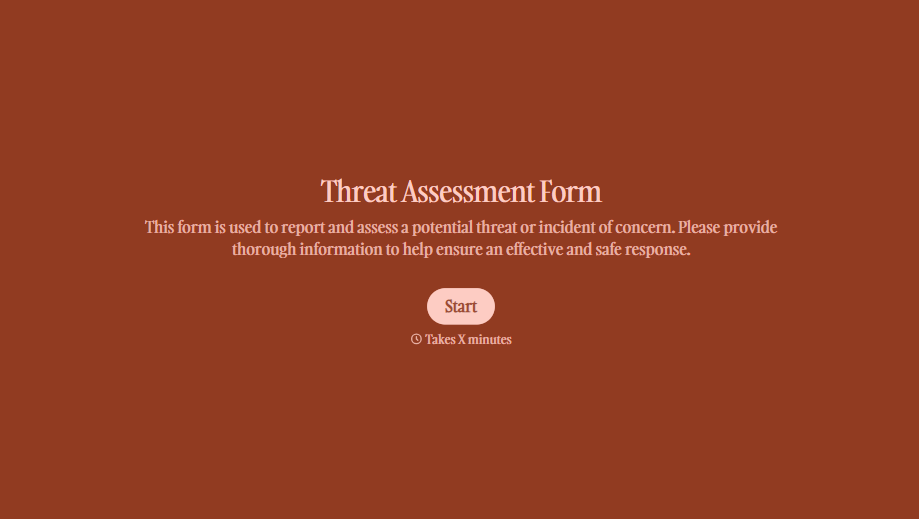
Threat Assessment Form
A concerning comment that gets passed from a teacher to a counselor to whoever's free that period loses detail with every retelling. Collect what your team actually needs, what was observed or reported, who was involved, and when, before an important detail gets dropped along the way.
View template
With Typeform, you can customize everything
Change text, colors, and even logos to match the look and feel of your brand. Then embed forms smoothly onto web and email.
Make forms feel effortless to fill out. Pace questions, call people by their name, and adapt the flow based on the data they share.
Stay efficient by connecting forms to your workflow. Typeform integrates with 300+ tools including Slack, Zapier, and HubSpot.


