Baptism Registration Form
Baptism requests shouldn't live on a sign-up sheet in the narthex. Collect what the parish office actually needs, dates, godparent eligibility, prep class status, before the family ever sits down with the priest.



Baptism requests come in however they show up: a phone call to the office, a name scrawled on a sign-up sheet after Mass, a hallway conversation with the pastor that never makes it to the calendar. By the time someone sits down to schedule, half the details are missing, godparent names, sponsor certificates, whether the prep class actually happened.
Typeform's baptism registration form asks for what the sacrament requires, candidate and parent information, godparent names and home parish, requested date, and prep class status, and uses conditional logic to branch from there. An infant baptism can ask for the parents' marriage information; an adult candidate can skip straight to their own faith background, instead of every family answering questions that don't apply to them.
Every registration lands in one place instead of a sign-up sheet and a stack of sticky notes. Connect the form to your parish calendar through Zapier, and a submission can flag a requested date or a missing sponsor certificate automatically. Ask for documentation up front, and the office starts the file with everything attached instead of chasing a certificate the week before the ceremony.
A baptism registration form is an online form parishes use to collect candidate, family, and godparent details, along with a requested date, before scheduling a baptism. Instead of a phone call or a sign-up sheet, the family submits everything themselves, and the office starts with a complete record.
A sign-up sheet captures a name and a rough date, not whether the godparents are eligible sponsors or the prep class is done. A form gets the full picture up front, and it works whenever the family has time to fill it out, not just when the office happens to be open.
Ask for what the office will actually need to confirm a date:
- Candidate's name, date of birth, and parents' names
- Godparent or sponsor names, and home parish if required
- Requested date and preferred service time
- Confirmation of completed prep classes
- Contact information for follow-up
Not on its own. A submission tells the office what a family is requesting, it doesn't reserve a date until someone checks it against the clergy's calendar. Connect the form to your calendar through Zapier, and a submission can flag a requested date automatically, but a person still confirms it before it's official.
Yes. Add a file upload question and families can attach sponsor certificates, birth certificates, or other required documents in the same submission, no separate email required. Pair it with conditional logic so the upload only appears for the documents that specific candidate actually needs.
Get inspired by relevant templates and categories
3200+ Templates, 300+ Integrations
Baby Dedication Form
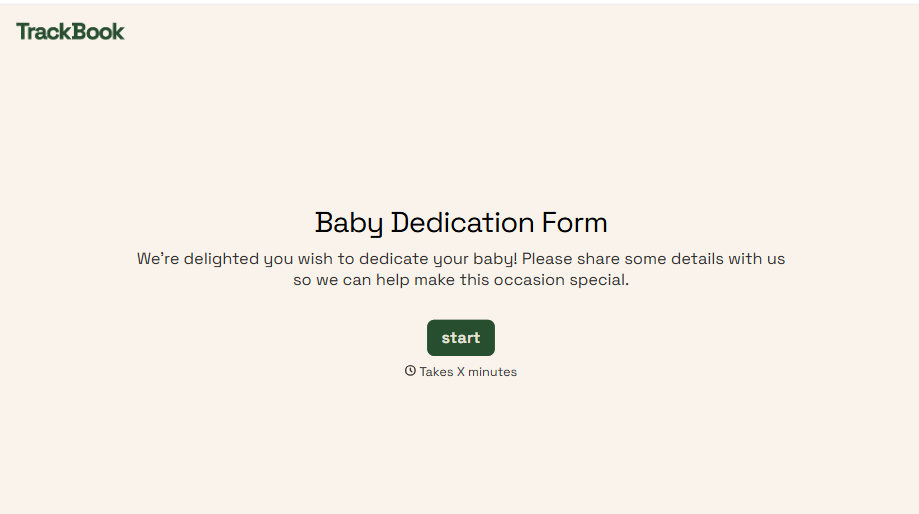
A sign-up sheet passed around during announcements isn't the kind of detail you want to compile into a Sunday program from memory. Collect the baby's information, requested ceremony date, and any required class attendance before the service, so your team isn't confirming a name's spelling the morning of.
View template
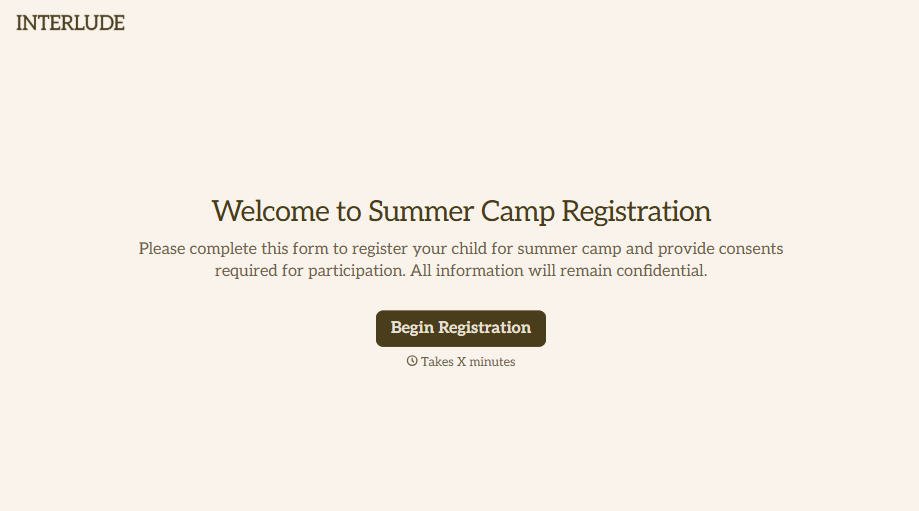
Summer Camp Consent Form
A camper with a bee sting and a counselor on the phone trying to reach a parent isn't a consent process, it's a delay. Collect guardian consent for emergency medical treatment, medication administration, and photo or media use before drop-off, so your staff can act instead of waiting for a callback.
View template
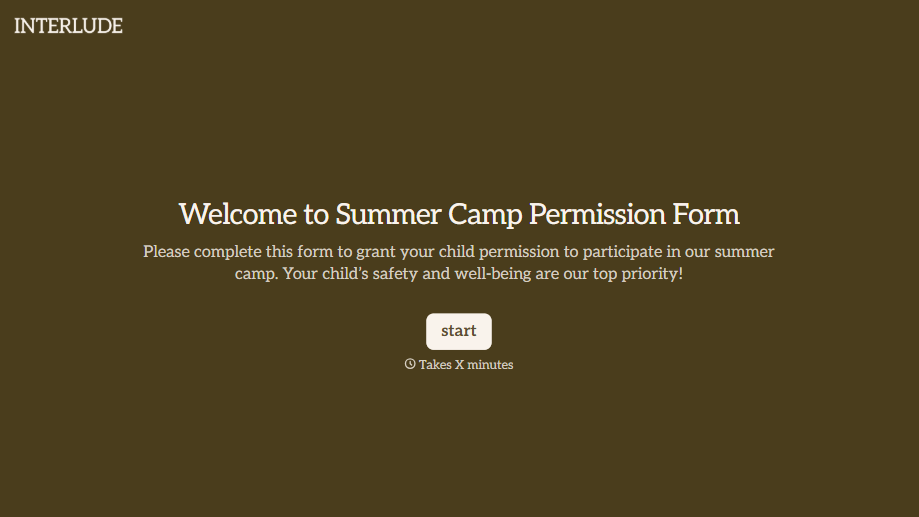
Summer Camp Permission Form
A permission packet crumpled at the bottom of a backpack for two weeks isn't a permission slip anyone can rely on. Collect camper information, medical disclosures, and a signed permission for camp activities before drop-off, so your staff aren't scrambling for an emergency contact on day one.
View template
With Typeform, you can customize everything
Change text, colors, and even logos to match the look and feel of your brand. Then embed forms smoothly onto web and email.
Make forms feel effortless to fill out. Pace questions, call people by their name, and adapt the flow based on the data they share.
Stay efficient by connecting forms to your workflow. Typeform integrates with 300+ tools including Slack, Zapier, and HubSpot.


