Background Check Verification Form Template
Collect the information and consent you need to run a background check — before the process begins.



Running a background check without proper consent or accurate personal information creates legal exposure and delays. This form gives your HR or compliance team a clean way to collect everything required before initiating the process.
The template covers the applicant's full legal name and any aliases, date of birth, Social Security or government ID number, address history for the relevant period, and explicit written consent to the background check. You can add disclosure language as required by applicable law.
Collecting this information through a structured form rather than by email reduces errors, documents consent clearly, and makes it easier to track which candidates have completed the authorization step.
In the U.S., the Fair Credit Reporting Act (FCRA) requires a separate written disclosure and authorization before running a background check through a consumer reporting agency. Your background check provider should guide you through the specific requirements.
The form can capture the candidate's consent, but the official FCRA disclosure must be a standalone document — it cannot be buried in an employment application. Consult your legal team or background check provider for compliant disclosure documents.
Typically: full legal name, date of birth, SSN or government ID, current and previous addresses over the past 5-7 years, and explicit written consent. Employers should only request information relevant to the role.
Clearly communicate that the check is a condition of employment. If a candidate declines, follow your organization's policy — typically, you cannot proceed with hiring for roles where the check is required.
Retain authorization forms for the duration of employment plus applicable legal retention periods. Your HR team or legal counsel should define the specific timeline based on your jurisdiction.
Get inspired by relevant templates and categories
3200+ Templates, 300+ Integrations

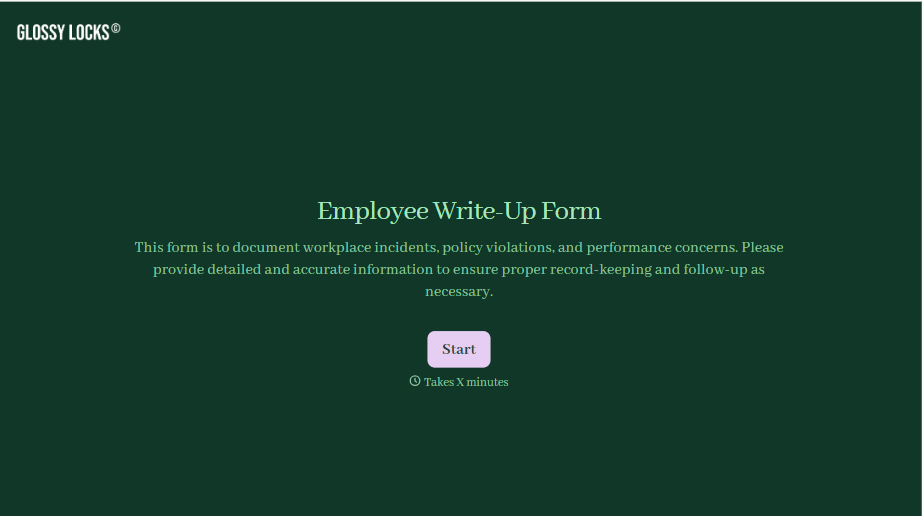
Employee Write-Up Form
A verbal warning that never makes it into a written record isn't the kind of documentation that holds up if a termination is challenged later. Collect the specific incident, policy violated, and corrective action while it's fresh, so a pattern of issues doesn't go undocumented until it's too late to matter.
View template
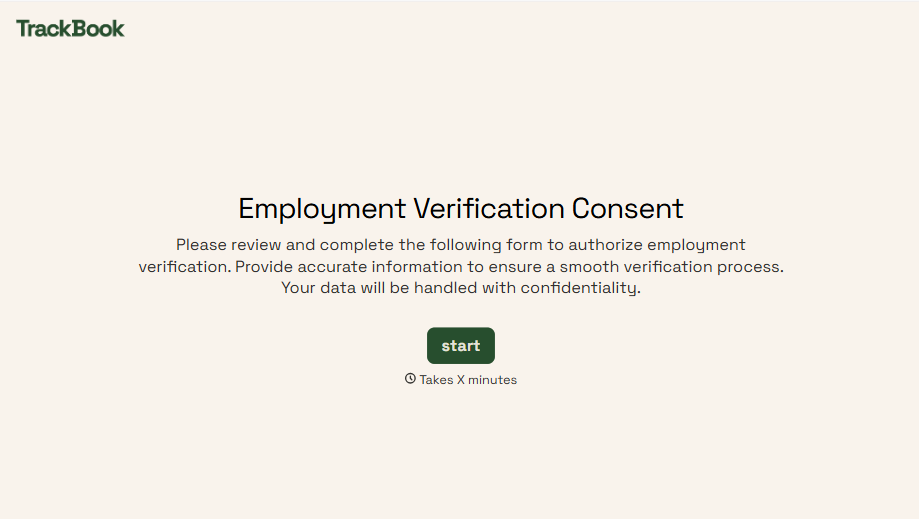
Employment Verification Release Form
A verification request that comes in as a phone call to HR doesn't tell anyone whether the employee actually agreed to have their salary shared with whoever's asking. Collect what your company actually needs, the employee's authorization, what's being released, and to whom, before HR says anything back.
View template
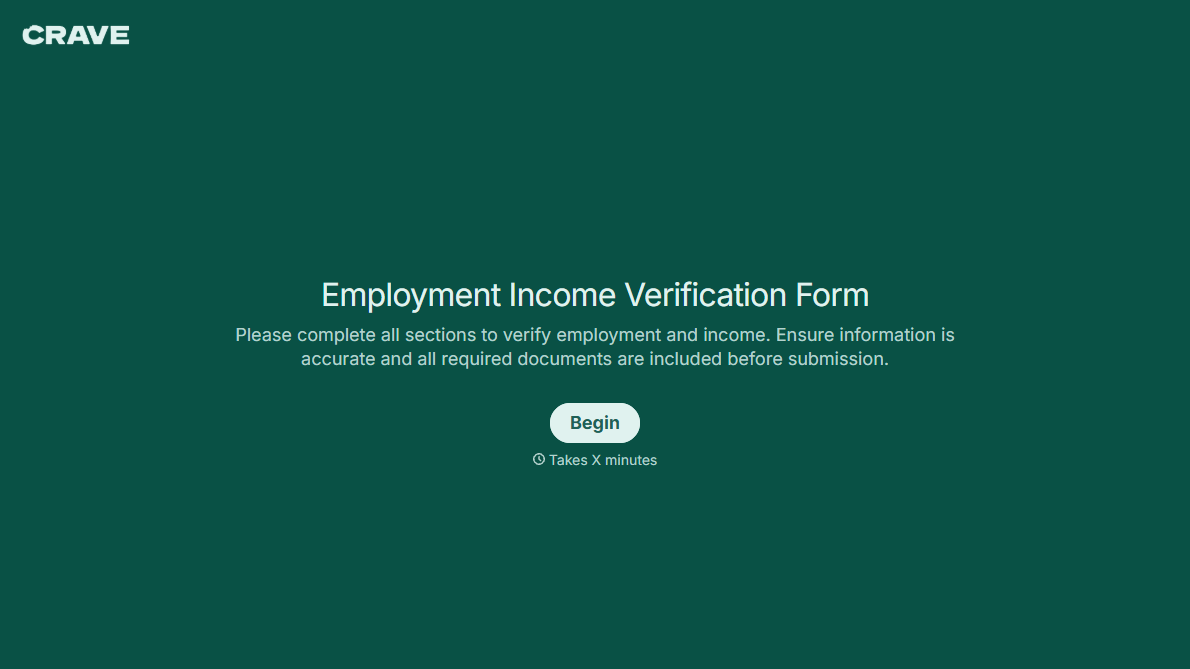
With Typeform, you can customize everything
Change text, colors, and even logos to match the look and feel of your brand. Then embed forms smoothly onto web and email.
Make forms feel effortless to fill out. Pace questions, call people by their name, and adapt the flow based on the data they share.
Stay efficient by connecting forms to your workflow. Typeform integrates with 300+ tools including Slack, Zapier, and HubSpot.


