Art Submission Form Template
Give artists a clear, professional way to submit work for your exhibition, competition, or publication.



When you're accepting art submissions, the process of collecting entries can get chaotic fast. Artists send images through different channels, in different formats, with missing information. You spend time chasing titles, mediums, and dimensions instead of actually curating. Without a consistent submission process, it's hard to evaluate entries fairly.
A Typeform art submission form standardizes what you collect from every artist. File upload fields handle image submissions directly within the form, while conditional logic can route submissions based on category, medium, or entry type. Every submission arrives with the same structured information, making your review process significantly faster.
Customize the form to match your open call's specific requirements, add your organization's branding, and share the link through your submission announcement. Entries come in organized, ready to review.
An art submission form is a structured way for artists to submit work to an exhibition, competition, residency, or publication. It collects entry details, artist information, and artwork files in a consistent format.
A standardized submission process means every entry includes the information you need to evaluate it fairly. It also saves administrative time and gives artists a clear, professional experience.
Collect everything needed for a complete entry:
- Artist name and contact details
- Artist statement or biography
- Title, medium, year, and dimensions of the work
- Image or file upload
- Entry category or series (if applicable)
- Exhibition or rights permissions
- How they heard about the opportunity
You can include a field asking how many works an artist is submitting and note your limit in the form instructions. For hard limits, Typeform's response limits feature can close the form when a target number of entries is reached.
You can structure the form to collect details for multiple works in a single submission using repeated fields or numbered sections. Alternatively, ask artists to submit a separate entry for each work, which keeps your data cleaner and easier to sort.
Get inspired by relevant templates and categories
3200+ Templates, 300+ Integrations
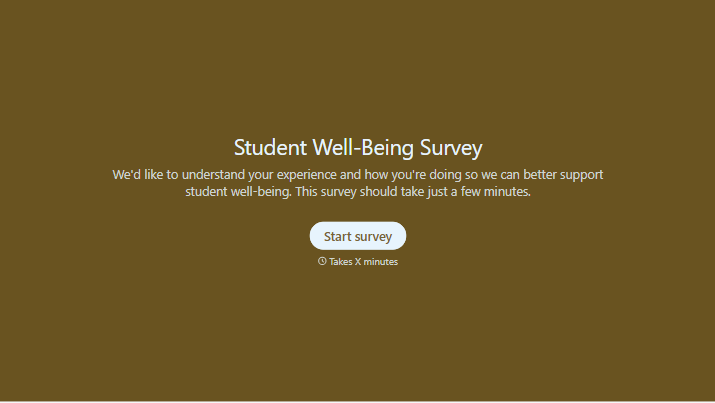


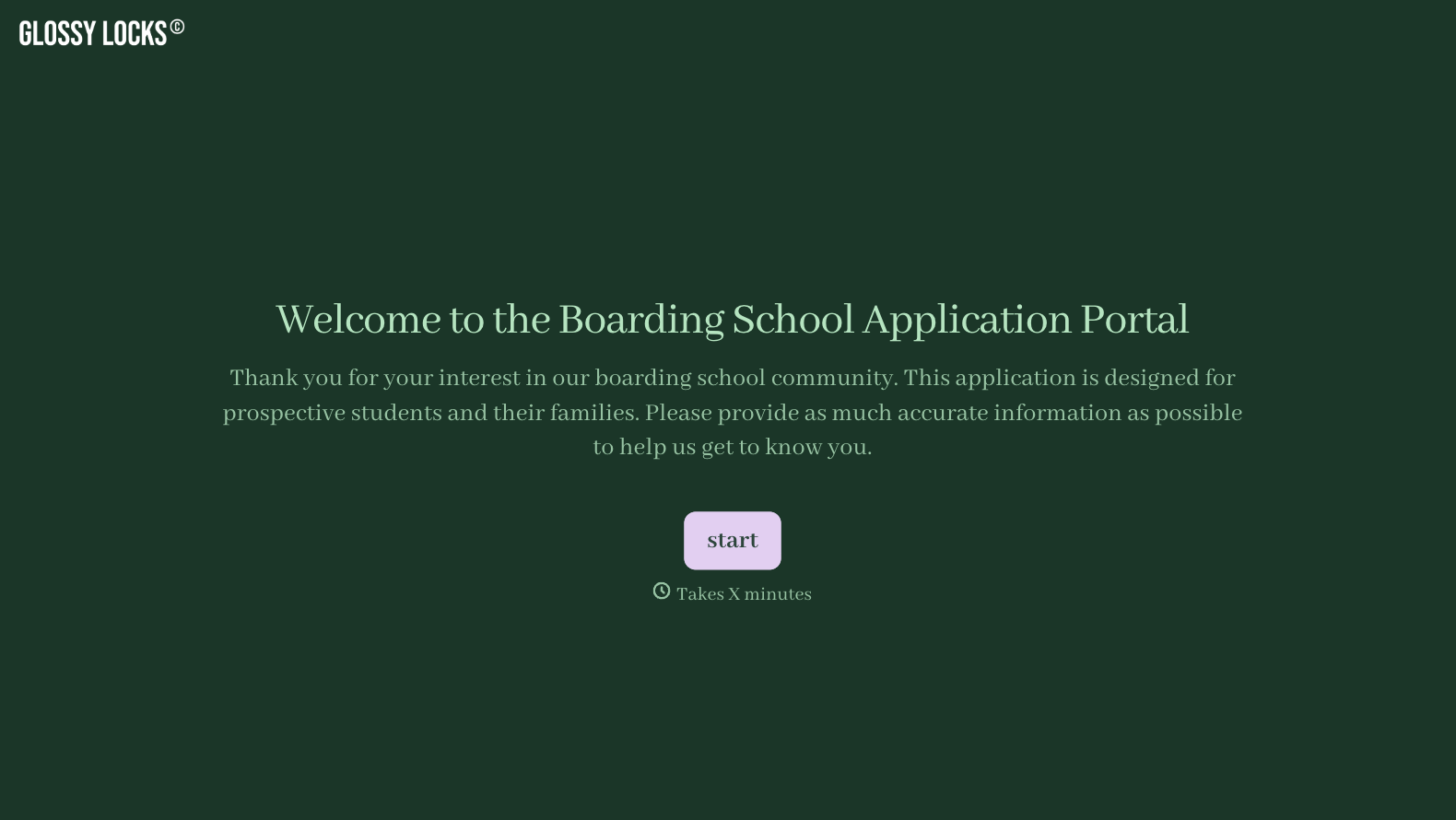
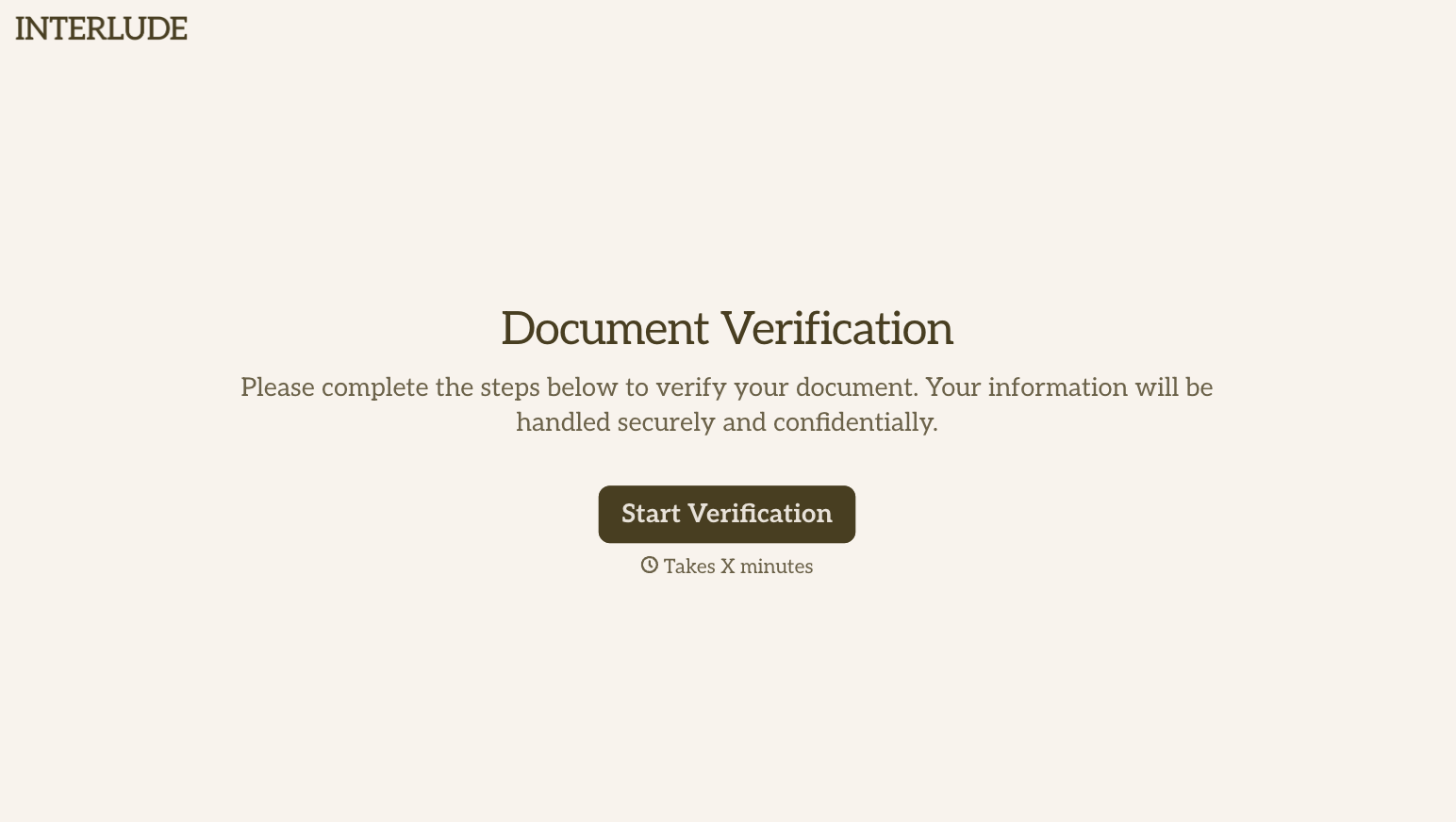

With Typeform, you can customize everything
Change text, colors, and even logos to match the look and feel of your brand. Then embed forms smoothly onto web and email.
Make forms feel effortless to fill out. Pace questions, call people by their name, and adapt the flow based on the data they share.
Stay efficient by connecting forms to your workflow. Typeform integrates with 300+ tools including Slack, Zapier, and HubSpot.


