Appointment Form Template
Let people book appointments without the scheduling back-and-forth. This template collects what you need to confirm, prepare for, and follow up on every meeting.



Scheduling appointments through email or phone is slow. You propose times, they're unavailable, you try again, someone forgets to confirm — and by the time the appointment is booked, both sides have spent more effort than the meeting itself warrants.
This appointment form template lets people submit their preferred dates, times, and the reason for their appointment in one go. Conditional logic tailors follow-up questions based on the appointment type, so a consultation request collects different information than a service booking. Connect responses to your calendar or scheduling tool to keep everything in sync.
Adjust the fields for your business, set up your notification emails, and start accepting appointments through a single shareable link.
An appointment form is a digital tool that lets people request or book a meeting, consultation, or service slot. It collects the information you need to confirm the appointment and prepare for it — all without requiring a phone call or email exchange.
It removes the coordination overhead from scheduling. When someone submits an appointment request, you have their name, contact information, preferred time, and reason for the meeting all in one place. You spend less time chasing details and more time actually preparing.
Tailor the form to your specific service or context, but standard questions include:
- Name and contact information
- Preferred appointment date and time (with backup options)
- Reason for the appointment or service needed
- Any relevant background information
- How did you hear about us?
- Any questions or notes for the appointment
Yes. You can integrate with Google Calendar, Outlook, and scheduling tools like Calendly via Zapier or direct integrations. When someone submits a request, an appointment can be created or a notification triggered automatically so you can confirm promptly.
You can connect this form to a payment processor like Stripe to collect a deposit at the time of booking. This is especially useful for services where no-shows are a problem — requiring a small commitment upfront reduces the likelihood of last-minute cancellations.
Get inspired by relevant templates and categories
3200+ Templates, 300+ Integrations



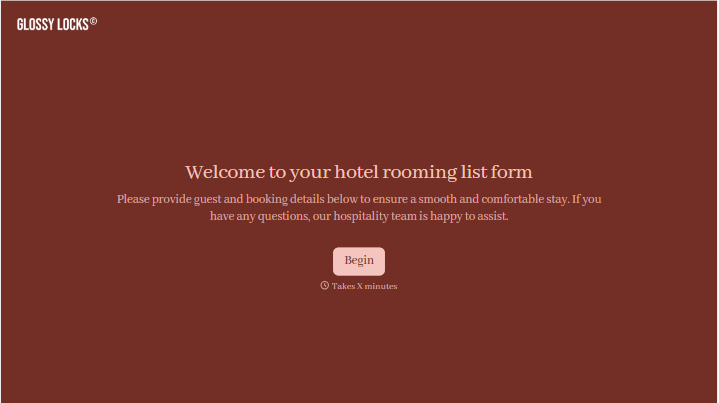


With Typeform, you can customize everything
Change text, colors, and even logos to match the look and feel of your brand. Then embed forms smoothly onto web and email.
Make forms feel effortless to fill out. Pace questions, call people by their name, and adapt the flow based on the data they share.
Stay efficient by connecting forms to your workflow. Typeform integrates with 300+ tools including Slack, Zapier, and HubSpot.


